
See which posts and ads your orders came from
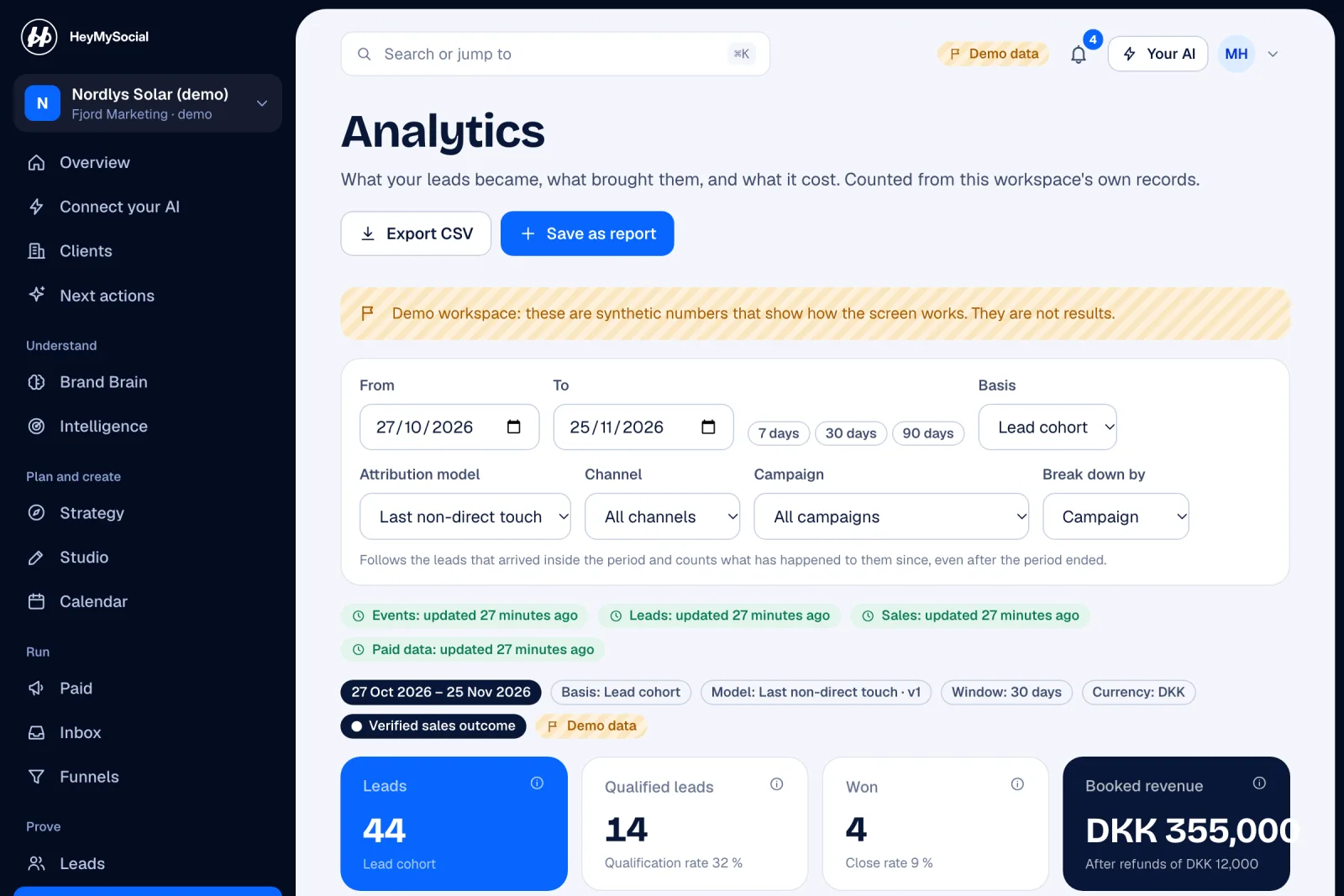
A tracked link in every post and a small script on your shop tie a visit to the customer it became. Your shop then reports each order and refund from its own server, and HeyMySocial sets the revenue beside the post, the ad and the spend.
There is no plugin for any shop platform. Connecting your shop is a small piece of development work, described on this page.
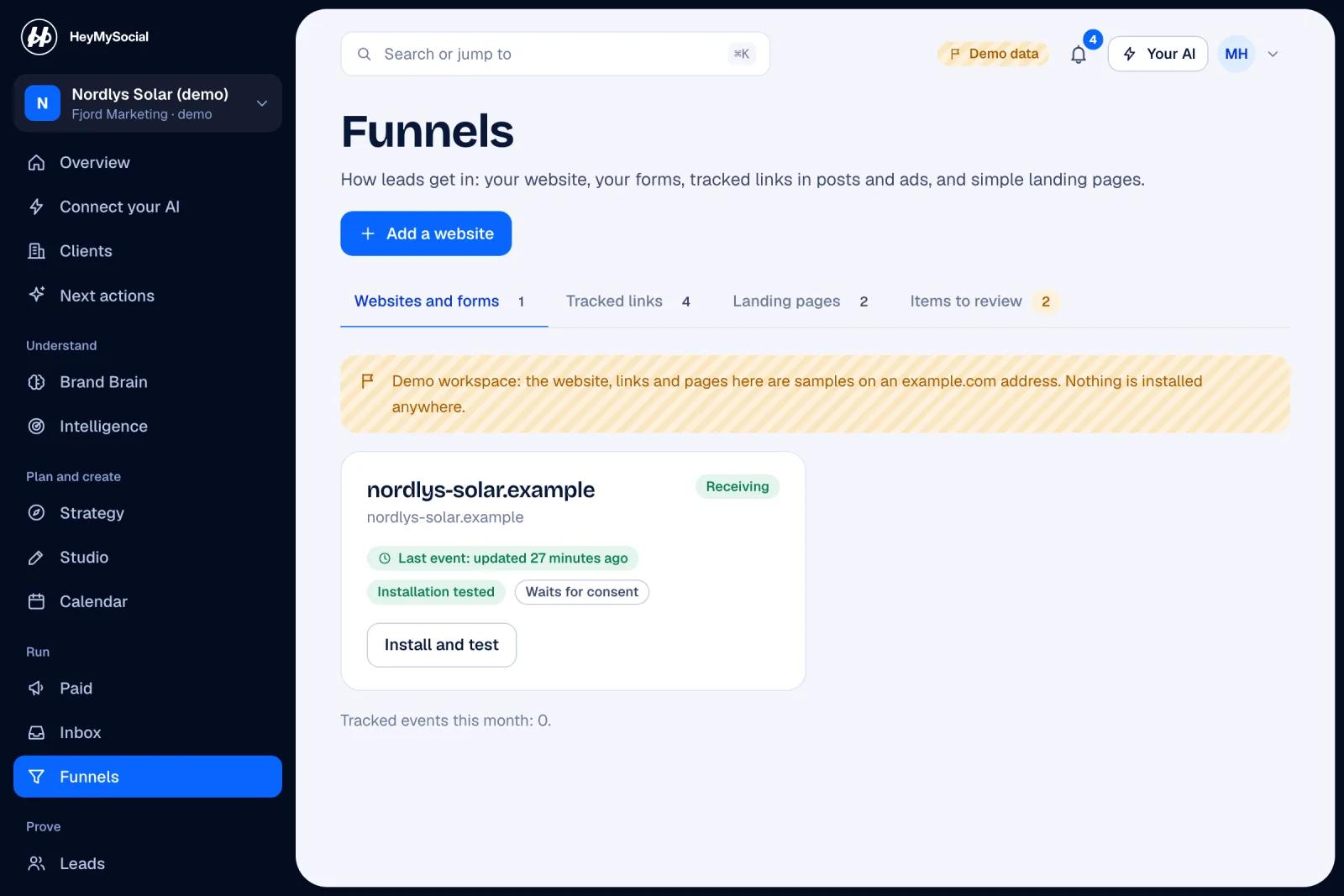
There is no plugin for your shop platform.
Orders reach HeyMySocial in three ways, each of them yours to set up: a signed webhook from your shop's server, the REST API, or a CSV file. The script in the browser reports visits and customers. It is never allowed to report a sale.
How an order finds its way back to a post
Four parts, set up once.
-
1
Put a tracked link in the post
Create one for each post, ad or email under Funnels, Tracked links, and choose the post under "Content item", or let your assistant do it. The link forwards the visitor to your product page with campaign parameters and a signed reference. It sets no cookie and counts the click.
-
2
Add the script to your shop
Two lines in the head of every page. With the visitor's consent it keeps one random key for the visit in the browser's own storage. It reads nothing about the device and loads nothing else.
-
3
Say who the customer is
When someone gives you their email address, at checkout or at a newsletter sign-up, call
hms('lead', {…})with the address and your own customer number asexternal_id. That customer is now a lead, tied to the visit and the link. -
4
Report the order from your server
When the order is paid, your server sends a
sale_wonevent with the customer number, the order number, the amount and the currency. The same order number is the same sale, so a retry changes nothing.
What your shop sends
The order goes to the signed address of your website under Funnels (POST /hooks/{key}, signed with that website's secret), or to the REST API with a key that has the scope events:write. The values below are samples.
{
  "event_id": "order-10482-paid",
  "type": "sale_won",
  "occurred_at": "2026-11-20T09:14:00Z",
  "external_id": "10482",
  "lead_external_id": "C-2291",
  "properties": {
    "amount": 749.00,
    "currency": "DKK"
  }
}
A refund is its own event. It names the order it belongs to and may be partial, but never more than what is left of the order.
{
  "event_id": "order-10482-refund-1",
  "type": "sale_refunded",
  "occurred_at": "2026-11-23T13:02:00Z",
  "external_id": "CN-311",
  "lead_external_id": "C-2291",
  "properties": {
    "amount": 249.00,
    "currency": "DKK",
    "sale_external_id": "10482"
  }
}
lead_external_idis the customer number you gave in the browser call. An order that names a customer HeyMySocial has not met yet is kept under Funnels, Items to review, and applied when that customer arrives.- Your server can also create the customer itself, with a
lead_createdevent that carries the contact details and the reference from the tracked link (hms_ref). - The exact fields, the signature and the answers are in the signed webhook, server events and sales by file.
Revenue the way your books see it
An order is recorded as what it is: an amount, a currency, a date and your order number. Nothing is converted and nothing is estimated.
- Revenue is shown per currency. Kroner and euros are never added together.
- A refund comes off the revenue of the order it names.
- A corrected amount is an event of its own. The log keeps both.
- Booked, invoiced and collected amounts are kept apart and never added.
- Analytics breaks leads, sales and revenue down by campaign, post, ad, tracked link or channel.
What it does not know about your shop
HeyMySocial is built around the person who bought, not around the basket.
No products and no baskets
An order is an amount with a currency, a date and a number. There are no product lines, no stock and no product feed.
One customer is one lead
A customer is a lead with one or more sales. A second sign-up from the same email address shortly after the first is kept as a duplicate and not counted again.
Only what the visitor allowed
An order from someone who declined tracking is still recorded as revenue. It is tied to no post and counted under "No consent".
Association, not cause
A matched order means the customer came through that link or campaign before they bought. It does not prove that the post caused the purchase.
What your assistant can do for a shop
It creates the tracked link for every post it drafts with create_tracking_link, sets up the website and sends a test event with manage_tracking_sites, and reads what each published post led to with get_content_performance. The signing secret is never shown to it: you copy that in the app.
create_tracking_link
Create a tracked link
get_landing_page
Get a landing page
list_landing_pages
List landing pages
list_tracking_links
List tracked links
manage_tracking_links
Change, archive or restore a tracked link
manage_tracking_sites
Set up website tracking
request_landing_page_publication
Ask a person to publish a landing page
save_landing_page
Save a landing page draft
get_content_performance
Performance of published posts
get_report
Get a saved report
get_results
Get outcome results
list_reports
List saved reports
revoke_report_share
Revoke a report share link
save_report
Save a report
share_report
Create a share link for a report
What exists today
Questions from shop owners and their developers
Which shop platforms does it connect to?
Can the browser report the purchase, the way a pixel does?
What does the CSV file need?
How many events can we send?
Does it replace the statistics in our shop?
Keep reading
Start with one tracked link
Create an account, add your shop under Funnels and test the script. The order event can follow when your developer has looked at the documentation.