
A marketing team where nothing goes out on one person's word
Give each person the role that fits their job. A post is approved for exactly the text, picture, channel and time it has and, with four-eyes approval switched on, never by the person who asked. Every claim is checked against facts your company approved, and the audit log shows who did what.
HeyMySocial runs no AI model. Each person connects their own assistant, and it works with that person's role.
Six roles, and what each may do
A role is given per workspace. Anything a role does not grant is refused.
| Ability | Manager | Strategist | Publisher | Paid operator | Sales collaborator | Analyst |
|---|---|---|---|---|---|---|
Open the workspace and its screensview | Yes | Yes | Yes | Yes | Yes | Yes |
Read the team's private notesview_private_notesNever for a client collaborator | Yes | Yes | Yes | Yes | No | No |
Create and edit brand, research, strategy, content and experimentsdraft | Yes | Yes | Yes | Yes | No | No |
Approve content, strategies and recommendationsapprove | Yes | No | Yes | No | No | No |
Schedule and publish approved contentpublishNever for a client collaborator | Yes | No | Yes | No | No | No |
Import ad results, map campaigns and prepare budget requestsmanage_paidNever for a client collaborator | Yes | No | No | Yes | No | No |
Decide budget requestsapprove_budgetNever for a client collaborator | Yes | No | No | No | No | No |
Reply and assign in the inboxengage | Yes | Yes | Yes | No | No | No |
Manage inbox rules and the suppression listmanage_automationNever for a client collaborator | Yes | No | No | No | No | No |
See leadsview_leads | Yes | Yes | No | Yes | Yes | Yes |
Change lead status and outcome, record opportunities and salesmanage_leads | Yes | No | No | No | Yes | No |
Export personal dataexport_piiNever for a client collaborator | Yes | No | No | No | No | No |
Read dashboards and reportsview_reports | Yes | Yes | Yes | Yes | Yes | Yes |
Connect channels, ad accounts and CRM, and manage tracking sites and API keysmanage_integrationsNever for a client collaborator | Yes | No | No | No | No | No |
Invite people and change their rolesmanage_membersNever for a client collaborator | Yes | No | No | No | No | No |
Change workspace settings, consent and deletionmanage_workspaceNever for a client collaborator | Yes | No | No | No | No | No |
Manage the plan and paymentmanage_billingNever for a client collaborator | No | No | No | No | No | No |
Owners and admins of the organization act as managers in every workspace, and only they manage the plan and payment. Every role and permission.
An approval covers one exact post
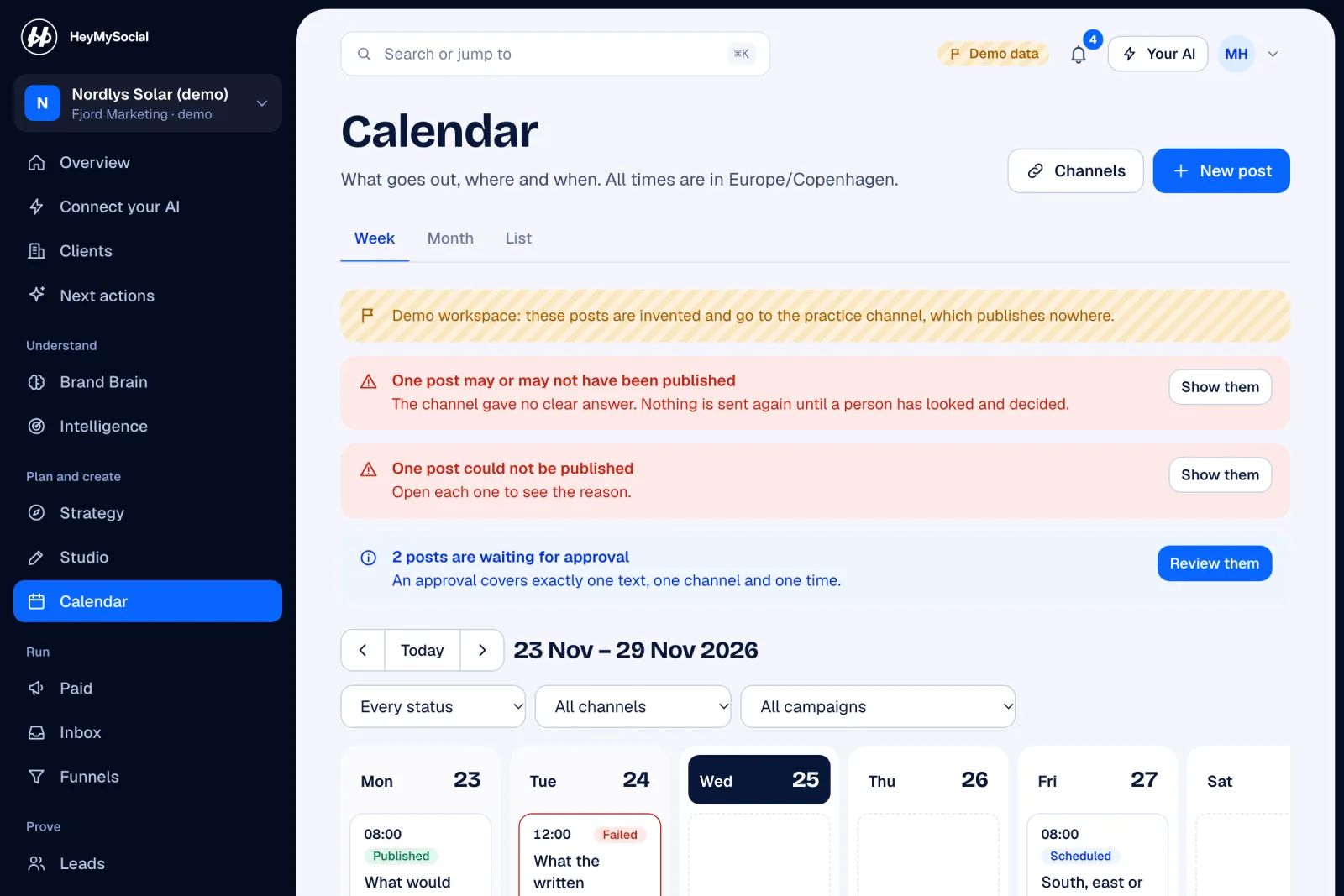
An approval is given for this text, this picture, this channel and this time. Change any of them, or move the post to another day, and the approval is gone and the post is a draft again.
Switch on "Four-eyes approval" under Settings, and whoever asked for an approval cannot be the one who gives it. That includes a request the person made through their assistant.
- A draft with a brand or channel error cannot be sent for approval.
- The reviewer approves, or sends the post back with a note.
- Putting the post on the schedule is a separate step, for a role that may publish.
- A budget change is a request too. The person who wrote it can never approve it, with or without the setting.
Claims are checked against facts your company approved
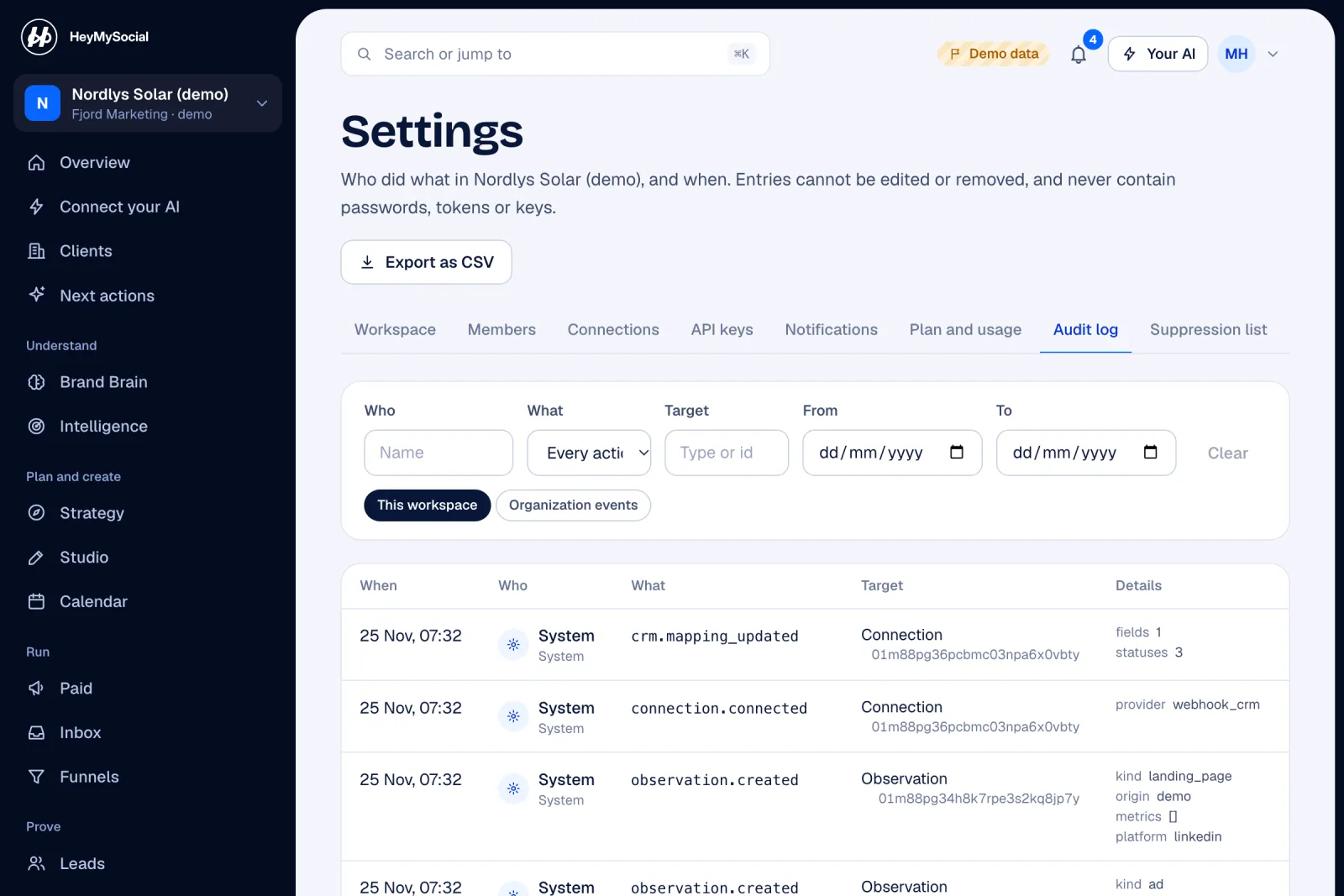
Brand Brain holds what the company is willing to say: facts with a source, an owner, a review state and an expiry date, offers with their prices and dates, and the terms the brand has ruled out. Only approved facts that have not expired count.
Every draft is checked against that, in the Studio under Brand QA, and by an assistant before it hands a draft over.
- A ruled-out term, a promised result, an expired offer or a missing legal disclosure is an error. Errors block approval.
- A superlative with no approved fact behind it, or a number found in none of your facts, is a warning for a person to look at.
- A new fact that contradicts an approved one is held as a conflict, side by side, until a person keeps one.
- The check reports. It never rewrites, and it is not legal advice.
An audit log that answers "who changed this, and when"
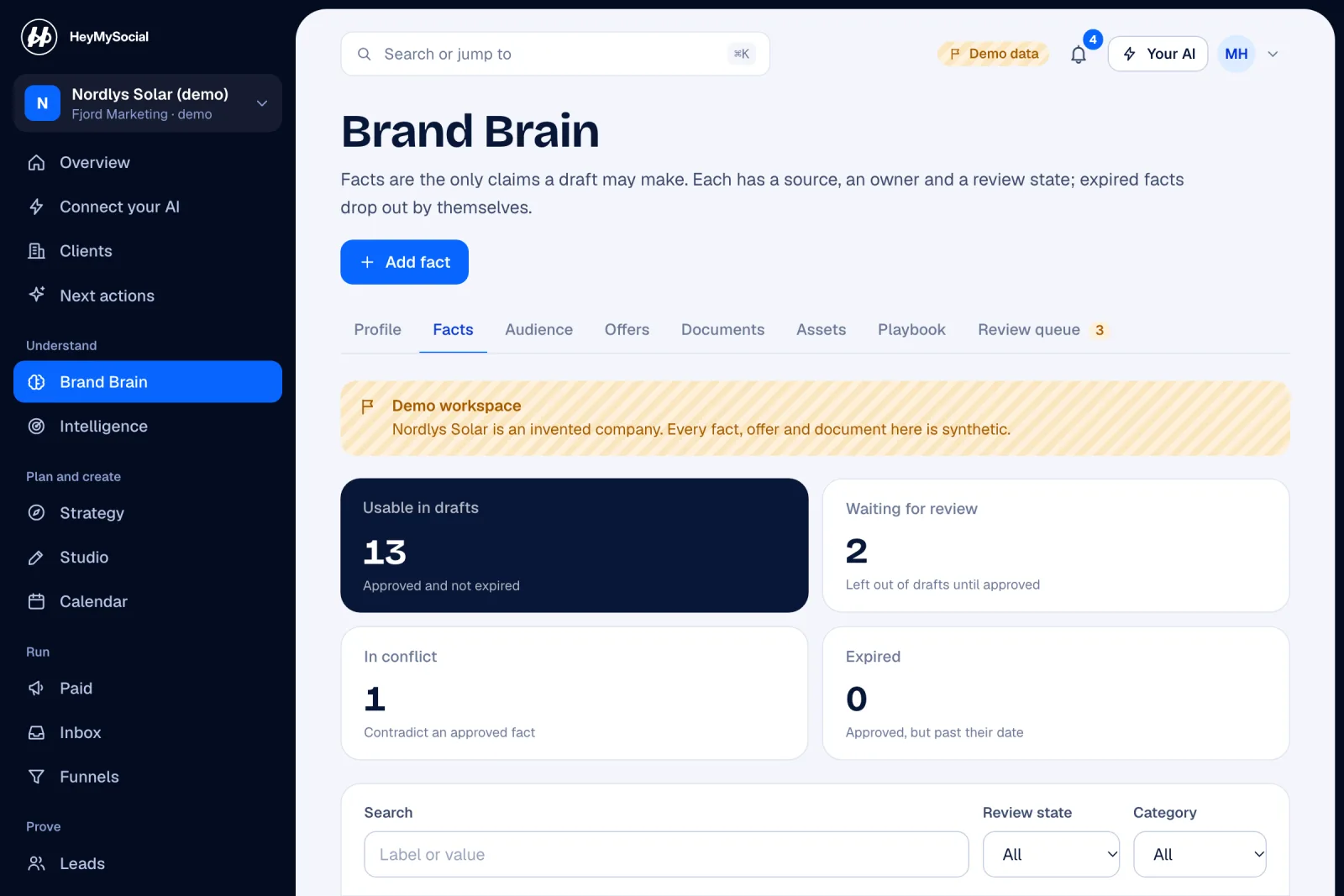
Settings, Audit log lists what happened in the workspace, newest first: when, who, what, and to what. "Who" is a person, an assistant acting for a person, an API key, the CRM, a status link or the system.
- Entries cannot be edited or removed, and never contain passwords, tokens or keys.
- An approval is stored with the hash of exactly what was approved.
- Each entry says whether the action was allowed or denied.
- Filter by person, action, target and dates, and export what you see as CSV.
- Managers read the workspace's log. Owners and admins also see the organization's events.
A week in a small marketing team
An illustration, with invented people in an invented company.
-
1
Monday: plan
The strategist asks their assistant to plan next week. It reads the approved facts and last month's results, and proposes posts for each stage of the funnel.
-
2
Tuesday: draft and check
The drafts are in the Studio, marked as drafted by an assistant. Brand QA flags a number that is in no approved fact. The strategist removes it, or adds the fact and sends it for review.
-
3
Wednesday: ask
The strategist asks for approval and gets a review link. A strategist cannot approve, and with four-eyes approval on, nobody approves their own request anyway.
-
4
Thursday: a second person decides
The publisher opens the link, sees the text, the picture, the channel and the time, and approves or sends the post back with a note. They leave it off the schedule: a scheduled post is sent to the practice channel at its time and can then no longer be marked by hand.
-
5
Friday: it goes out
Direct publishing to Facebook, Instagram and LinkedIn is built and switched off. So today the publisher posts by hand and marks the post as published elsewhere, with its link.
-
6
Month end: read and decide
The analyst reads Analytics. The manager goes through Next actions, where each suggestion shows the evidence it rests on, and approves, edits or rejects it.
Everyone brings their own assistant
There is no shared robot account. Each person connects the assistant they already use, under Connect your AI.
It has your role
A strategist's assistant can draft and ask for approval. It cannot put a post on the schedule, because a strategist cannot.
It can never approve
No assistant and no API key can approve a post or a budget, whatever role its person holds.
It is on the record
What an assistant changes is written to the audit log as an assistant acting for that person.
It sees no secrets
Tokens, keys and passwords are never returned to an assistant.
It has an off switch
Disconnect it or revoke its key at any time. A password reset ends every session and every assistant connection of that person.
It shares one allowance
Assistant calls are counted per month for the whole organization: 5,000 on Business and 20,000 on Growth.
What an assistant can do with posts and approvals
request_approval asks and returns a review link. get_approval reads the state. There is no tool that approves.
create_creative
Create a creative
get_approval
Get an approval
get_content
Get one content item
import_images
Import images from links
list_approvals
List approvals
list_content
List content
list_creative_templates
List creative templates
list_creatives
List creatives
list_uploads
See what was uploaded
manage_content
Duplicate, cancel, delete or restore content
preview_creative
Look at a creative
preview_post
Preview a post
request_approval
Ask a person to approve content
request_upload
Ask the person to upload files
save_content_draft
Save a content draft
update_creative
Change a creative and render it again
In place today, and what waits
Questions from marketing leads and their IT colleagues
Is there single sign-on?
Can the person who writes a post also approve it?
Does the claim check make a post compliant?
Can we run several brands?
How many people can work in it?
Keep reading
Give the first two people their roles
Create an account, invite a colleague, switch on four-eyes approval and send your first post for review. The practice channel lets you run the whole workflow before anything is connected.