
Guides that follow the app, button by button
Each guide is one job from start to finish: what you have at the end, what you need, and numbered steps that name the screen and the button as the app shows them. Where your assistant can take a step, the guide names the tool it calls.
Most guides can be followed on the practice channel or in the demo workspace, before anything real is connected.
Every guide
In the order most people need them. Each one says how long it takes.
First 15 minutes
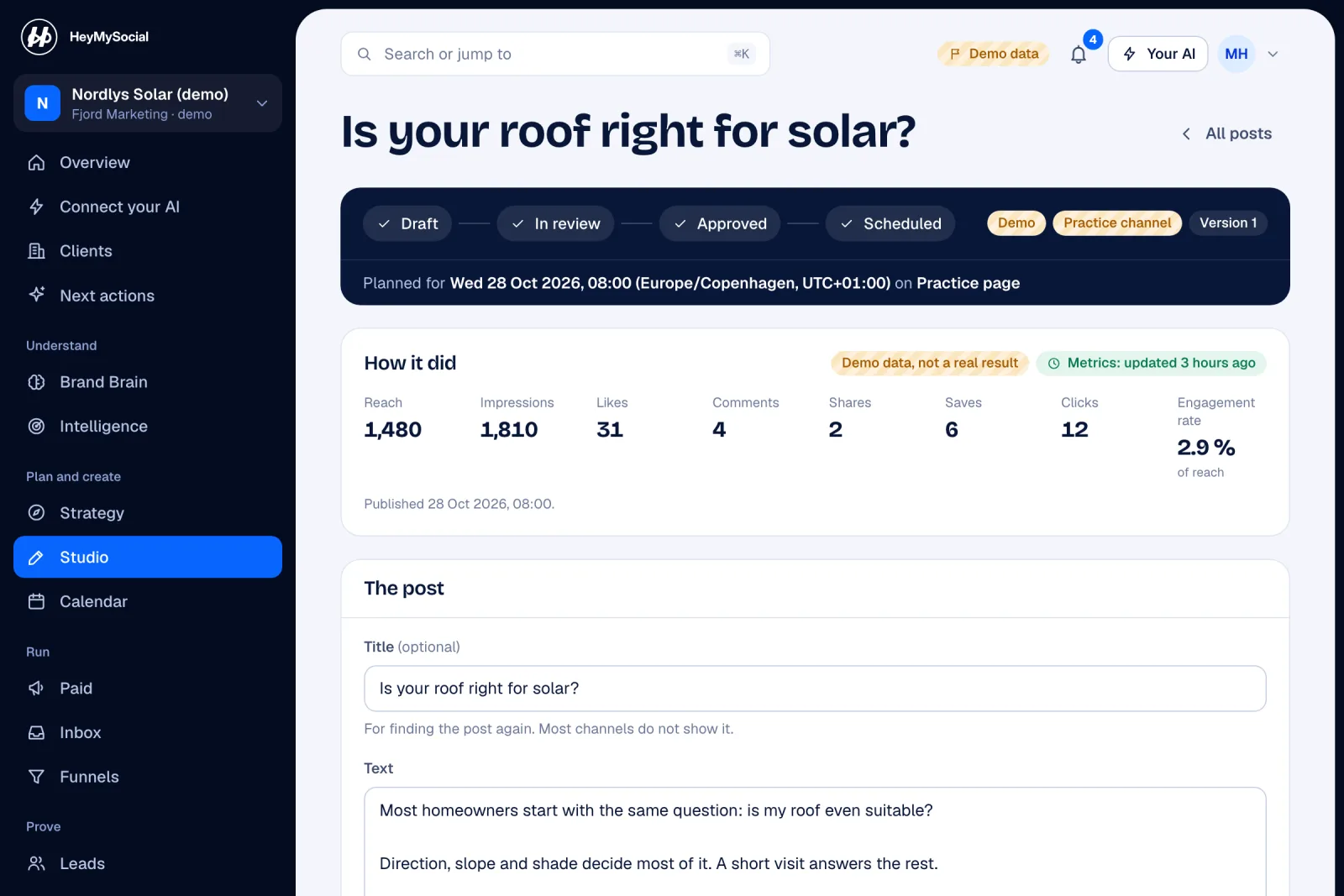
Sign up, set up a workspace, look around the demo workspace, connect the practice channel and get a first post approved and scheduled. Nothing is posted anywhere.
Campaign with your assistant
The real order of work when your own assistant builds a campaign in HeyMySocial: what you say, which tools it calls, and the two places where only you can say yes.
Set up Brand Brain
Fill in the profile, add facts with a source, an offer, an audience and your documents, import suggestions from your website, and clear the review queue.
Install tracking
Add your website as a tracking site, paste the two-line snippet, connect it to your cookie banner and your form, and prove with a test event that it works.
From post to sale
Put a tracked link on a post, see the click, the lead, its status changes and the sale, and read what attribution can and cannot tell you about them.
Ad results and the matrix
Export from Ads Manager, import the file, map the campaigns to your own, and read cost per lead, per qualified lead and per sale against the outcomes you matched.
Run an experiment
Write the hypothesis, the metric and the decision rule before the numbers come in, then read a result that says inconclusive when the data is too thin to call.
Approvals and four eyes
Ask for approval of a post, approve exactly what goes out, see which edits cancel an approval, and require a second person for every approval.
Onboard a client
Create a client workspace, invite the client as a collaborator, and see exactly what they can open, approve and report, and what stays with your team.
Share a report
Save a report in Analytics, freeze its numbers in a snapshot, and give a client an expiring link to a page with totals only: no names and no ad spend.
Connect your CRM
Create a CRM connection, sign and send a first record, map your statuses, send lead status back to the CRM, and clear reconciliation errors.
Research without scraping
Keep watchlists, record what you see with its source link and date, import a list, tag the pattern, read the score honestly and turn it into a brief.
Plan next week
Find the free days in the calendar, create drafts for next week from your strategy, pick variants, run the checks, ask for approval and schedule.
Post by hand
Plan and approve a post in HeyMySocial, publish it yourself on Facebook, Instagram or LinkedIn, record it as published, and keep clicks and leads tied to it.
Where to start
It depends on who you are and what you already have.
You signed up a minute ago
Take the first 15 minutes: a workspace, the demo data, the practice channel and one post that goes from draft to scheduled. Nothing is posted anywhere.
You already work through an assistant
Connect it, then let it build a campaign with you. The guide shows what you say, which tools it calls and where only you can approve.
You have a website with a form
Install tracking first. Until your site reports its leads, no post, link or ad can be tied to what it brought in.
You pay for ads
Import an export from Ads Manager and read cost per sale instead of cost per lead. It needs tracking, so do that guide before this one.
You run an agency
Start with one client: a workspace of its own, the client invited with limited access, and a report you can share.
You post on channels we cannot publish to yet
Publishing to Facebook, Instagram and LinkedIn is built and switched off. Until it opens you post by hand and mark it as published, so the calendar and the numbers stay true.
Follow a guide in your own workspace
The trial lasts 14 days and needs no card. During setup you can add a demo workspace with sample data.