
The facts a draft may use, and nothing else
Brand Brain is where your business is written down once: what you are, how you sound, what you can prove, what you offer right now. Every item has a review state, and a draft or a brand check uses only the facts, offers and personas a person has approved.
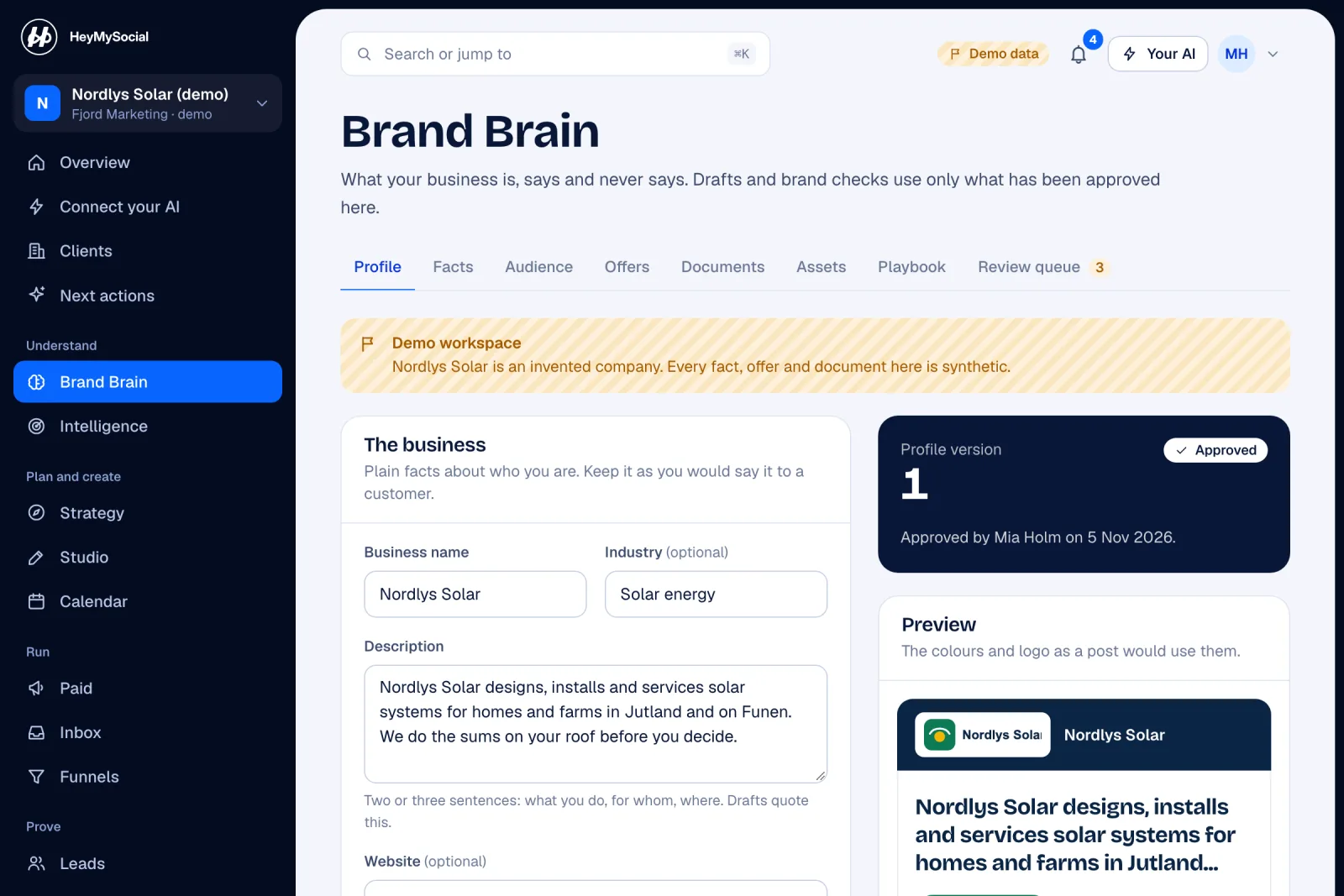
A fact has a source, an owner and a state
A fact is one thing that may be said to a customer: a warranty, a price, the number of years you have traded. It carries a label, a value, a category, a link to where it is stated, the person who keeps it up to date and, where it applies, the day it stops being true.
Every new or reworded fact starts as unreviewed and stays out of drafts until someone approves it. A fact past its date drops out by itself and shows up in the review queue.
When a new fact contradicts an approved one, it is stored as a conflict next to it. Someone picks the one that stands and the other is rejected. Nothing is merged.
- The Facts tab counts four things: usable in drafts, waiting for review, in conflict, expired.
- Facts suggested by a website import or by your assistant arrive unreviewed, with their source.
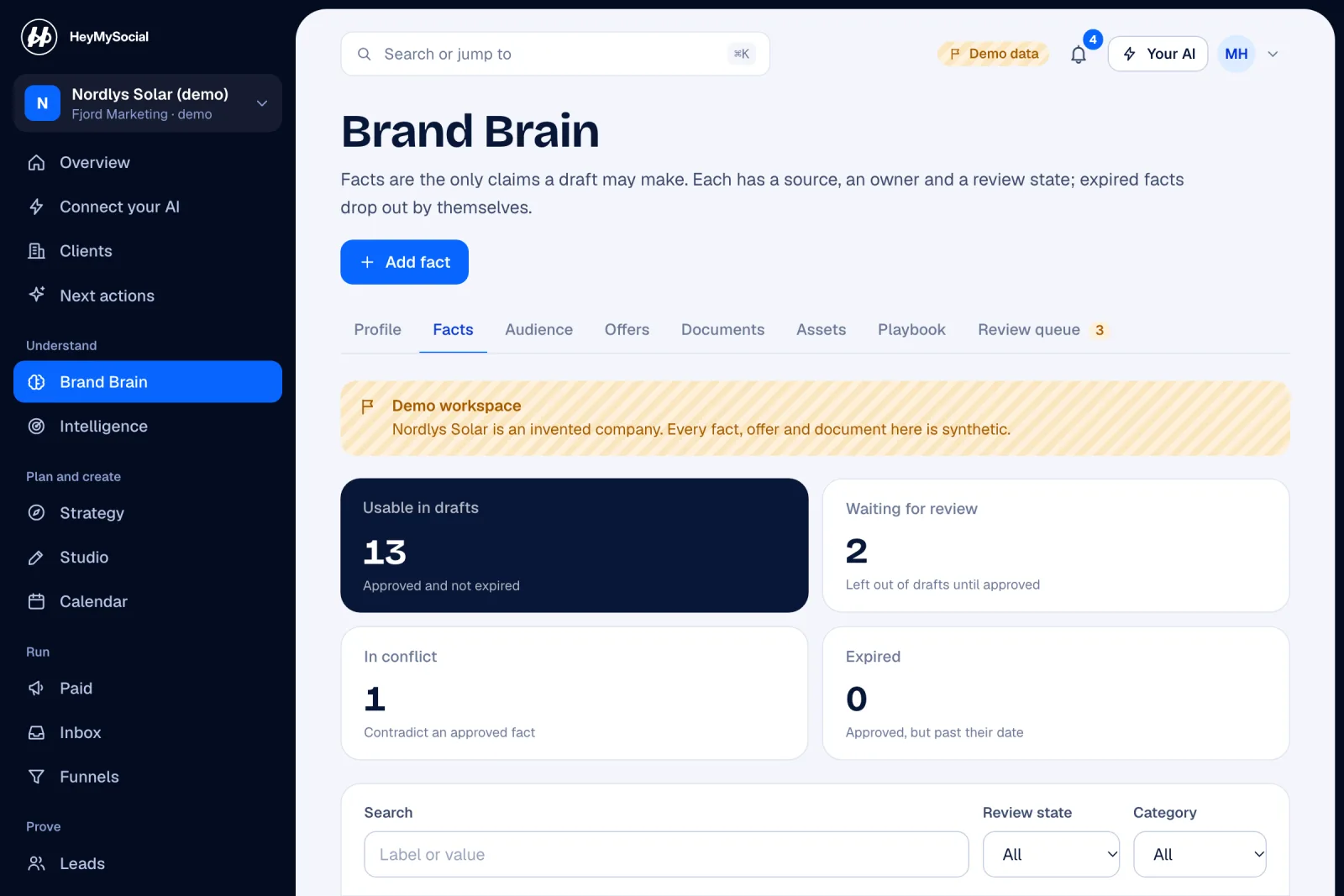
Eight tabs, one brand
The tabs are named as they are in the app.
Profile
The business, the voice with tone words and style examples, prohibited terms, a legal disclosure that can be required in every post, and five colour roles with a contrast table. A changed profile becomes a new version and waits for approval; drafts keep using the approved one until then.
Facts
The only claims a draft may make, each with source, owner, review state and optional expiry.
Audience
Personas: one kind of customer with their problems, aims and objections, in the words you put there.
Offers
What you ask people to take up now, with price, dates, call to action and link. A draft may present an offer only while it is active, approved and inside its dates.
Documents
Product sheets, price lists, notes and your imported website, as pasted text, a text file or a PDF with a text layer. They are searchable at once, and every hit is a citation that says whether the document is approved for quoting.
Assets
Logos, photos and PDFs the brand owns, with a licence note. Files are private to the workspace. The file type is read from the file itself, and SVG files are cleaned of scripts before they are stored.
Playbook
How you work: the method, what to say at each funnel stage, the quality rubric and who approves. An agency writes one for the organization, and a client workspace can carry its own version. Every save is kept.
Review queue
Everything that waits for a person: the profile, conflicts side by side, unreviewed and expired facts, documents, offers and personas.
No fact, offer or persona is used before it has been through the review queue
Imports, suggestions and changes all land in one queue. A conflict shows the two versions of the fact side by side: "On file now" and the new one with where it came from. Imported text is shown exactly as it was found, so you check it against its source and not against a tidied copy.
Approving and rejecting takes a manager or a publisher. Other roles can read the queue. Each decision is written to the audit log.
Roles and what each may do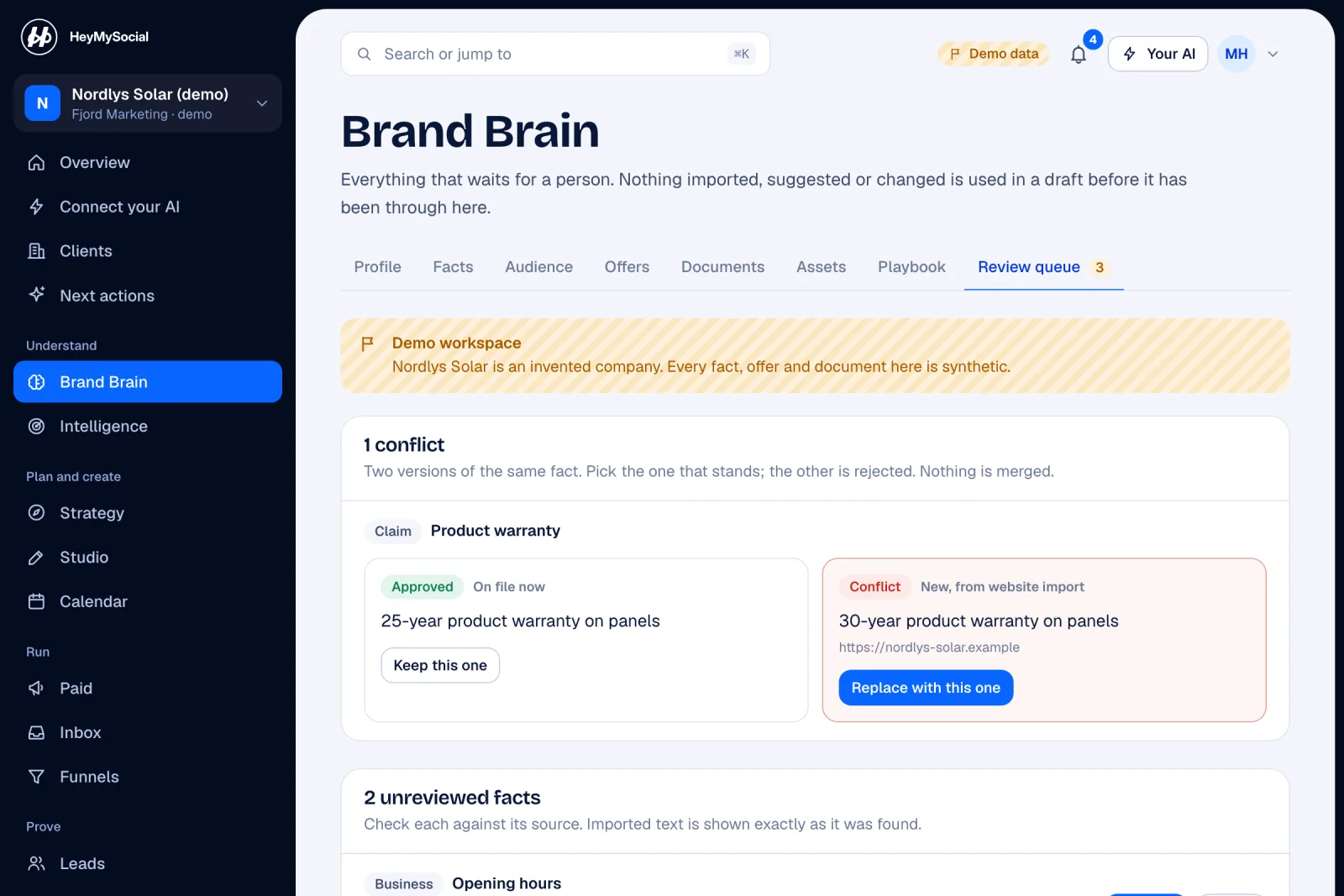
From your website to approved facts
A quick way to fill an empty Brand Brain. It reads your own site only, and nothing it finds counts until you say so.
-
1
Save your website address
Enter it on the Profile tab and save. The import takes no other address than the one on the profile.
-
2
Press "Import from website"
It reads the home page and up to four more pages on the same site (about, contact, services, prices), and only where robots.txt allows.
-
3
Read what it found
The text is stored as a searchable document. Suggested facts such as name, phone, email and address go to the review queue, and the colours the site declares are offered for the profile.
-
4
Approve, reject or correct
Each suggestion keeps its source link and the time it was retrieved. Only the ones you approve can appear in a draft.
The brand check reads every draft against what you approved
The same check runs in the Studio as you type and is available to your assistant as check_text. It uses fixed rules; no model reads your text. Errors block a request for approval. Warnings are for a person to judge.
It is not legal advice, and it does not judge whether the copy is any good.
- Error: a term the brand has ruled out.
- Error: a promised result that is not an approved fact quoted word for word, such as guarantee wording, in English and in Danish.
- Error: a mention of an offer that has expired.
- Error: the legal disclosure is missing when the profile requires it in every post.
- Warning: a superlative with no approved fact behind it.
- Warning: a number, percentage or price that matches no approved fact or active offer.
What your assistant can do in Brand Brain
Nearly everything on these tabs can be reached by a tool; document files are still uploaded in the app. An approval, a rejection or the removal of something approved needs your role and your yes in the conversation; without it the tool changes nothing and tells the assistant what to show you.
check_text
Brand and claims check
get_brand
Get the approved brand
get_brand_import
State and findings of a website import
get_playbook
Get the playbook
import_brand_from_website
Read the business's own website into Brand Brain
list_brand_assets
List brand assets
manage_brand_facts
List, add or change brand facts
manage_knowledge_documents
List, add, review or remove knowledge documents
manage_offers
List, add, change or archive offers
manage_personas
List, add or change audience personas
remove_brand_asset
Delete a brand asset
remove_brand_item
Delete a brand fact, offer or persona
review_brand
Review queue: approve or reject brand material
search_knowledge
Search the workspace's documents
suggest_brand_facts
Suggest brand facts for review
update_brand_profile
Create or change the brand profile
update_playbook
Change the playbook
upload_brand_asset
Add a logo or image from a web address
Plainly, as it is today
Questions about Brand Brain
What happens to drafts when I change an approved profile?
Can my assistant approve a fact?
Does the brand check stop every unsupported claim?
Do clients see Brand Brain?
What file types can I add?
Keep reading
Write your business down once
Start with the profile and five facts you can point to a source for. Or ask your assistant: "Set up my Brand Brain with me, and show me every fact before you save it."