
The same loop, seen from five different desks
An agency with a full client list and an electrician with two vans need different things from the same product. Each page below follows one kind of team through a working week: the screens they open, what they hand to their assistant, and what is still done by hand today.
The examples describe kinds of business, not customers.
Find the work that looks like yours
Every workspace is the same product. What differs is where you spend your day in it.
Agencies
One isolated workspace per client, a portfolio of all of them, and a portal where clients approve posts and report outcomes without seeing your notes.
Local service businesses
For electricians, clinics, garages and salons: every enquiry in one list, a reminder to call back, and what each campaign cost per paid job, not per lead.
Online shops
Tracked links tie posts and ads to the customers they bring. Orders arrive from your shop by signed webhook, API or file, refunds by webhook or API. There is no shop plugin.
B2B lead generation
For long sales cycles: leads with opportunities and an owner, your CRM connected by signed webhook or file, and first touch shown beside last non-direct touch.
In-house marketing teams
Six roles, four-eyes approval, an audit log, and claim checks against your own approved facts. Each person on the team works with their own assistant.
What each team leans on
A short map before you pick a page.
| Team | Works mostly in | Proves results with | By hand today |
|---|---|---|---|
| Agencies | Clients, Calendar, Leads, Analytics | A shared report and status links for each client | Posting to live channels; ad results by file |
| Local service businesses | Leads, Funnels, Overview | The sale recorded on each lead, and cost per sale | Posting; typing in the enquiries that come by phone |
| Online shops | Funnels, Leads, Analytics | Orders and refunds sent from the shop's own server | The connection from your shop: there is no plugin |
| B2B lead generation | Leads, Analytics, Settings and its Connections | Opportunities and sales arriving from the CRM | Posting to LinkedIn; mapping your CRM once |
| In-house marketing teams | Studio, Calendar, Brand Brain, Settings | Approvals and the audit log | Posting to live channels |
Direct publishing to Facebook, Instagram and LinkedIn is built and switched off. Every connection and its state.
Who it is not for yet
Better to read this now than at the end of a trial.
You need posts to go out by themselves today
Publishing to Facebook and Instagram waits for Meta to approve the app, and the LinkedIn connection is built but switched off. Today you plan and approve here, post by hand, and mark the post as published elsewhere.
You want the tool to run your ad account
Ad results come in as the file you export from Ads Manager. There is no code that changes an ad or a budget, and that part is by design: a budget change is a request a person approves and then carries out in the ad platform.
You want a plugin for your shop platform
There is none. Orders arrive by a signed webhook from your server, through the API or as a CSV file. That takes a little development work on your side. What a shop has to set up.
You resell under your own brand
There is no white label. An agency can put its name and one accent colour on the client portal; the address and the interface stay HeyMySocial's.
Your buyers ask for signed paperwork
There is no data processing agreement to sign yet, the terms have not been through a lawyer, and there is no external security certification. What is in place.
You want to pay for a plan this week
Paid plans are not open. The trial is free and asks for no card; afterwards the account keeps working within the Solo plan's limits, and you can register interest in a larger plan from the app.
Before you pick a page
Do I have to choose one of these when I sign up?
We are an agency with a brand of our own. Which page?
Does any of this work without an assistant?
Which plan goes with which kind of team?
Try it on the demo workspace first
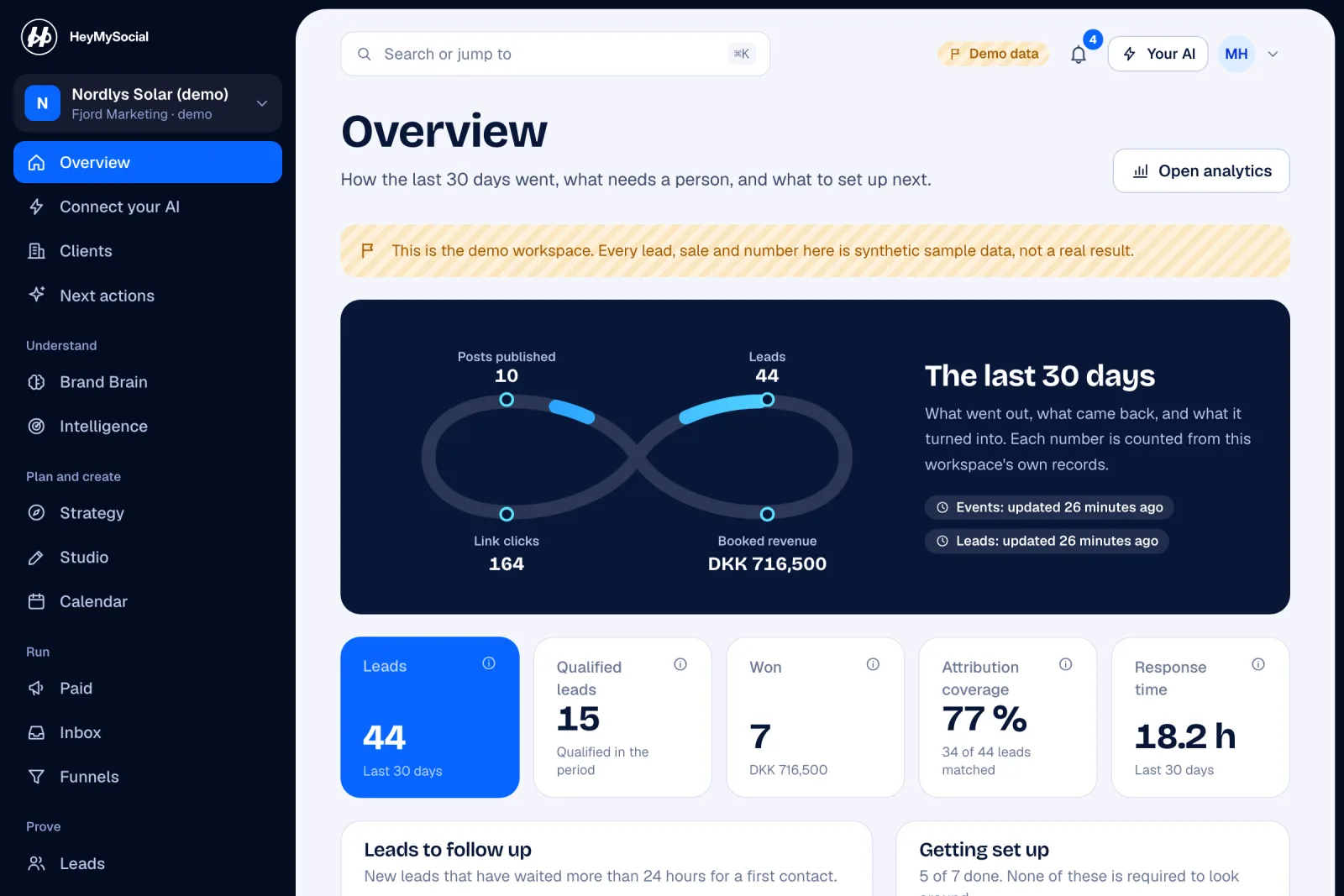
When you set up your account you are offered a demo workspace full of labelled sample data, so you can walk through your own week before you connect anything.