
Decide who, what and why before anyone writes a post
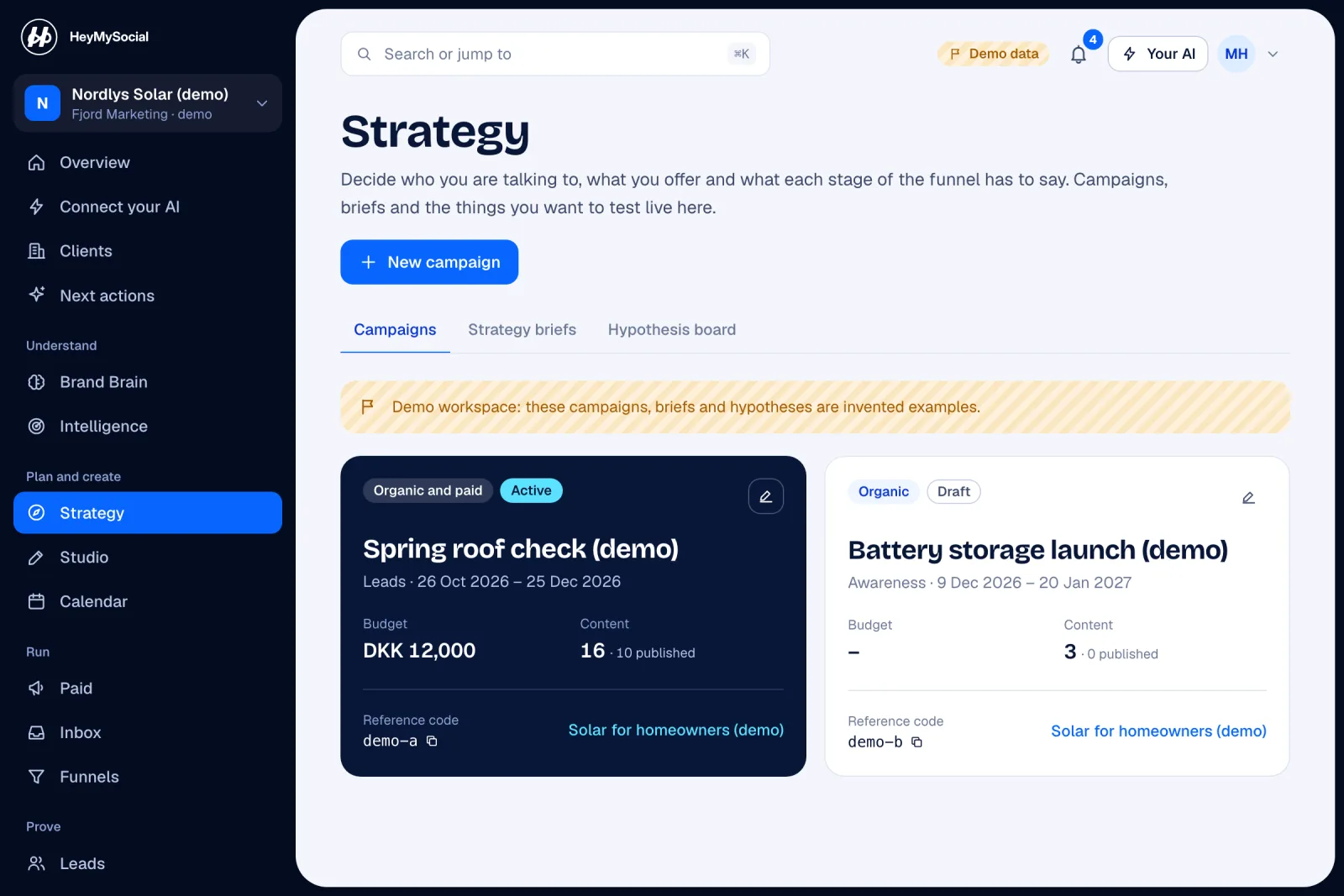
The Strategy screen holds three things: campaigns that group posts, tracked links and results under one name; briefs that say who you are talking to and what each funnel stage has to say; and a board of the things you believe and want to test.
A brief everyone works from
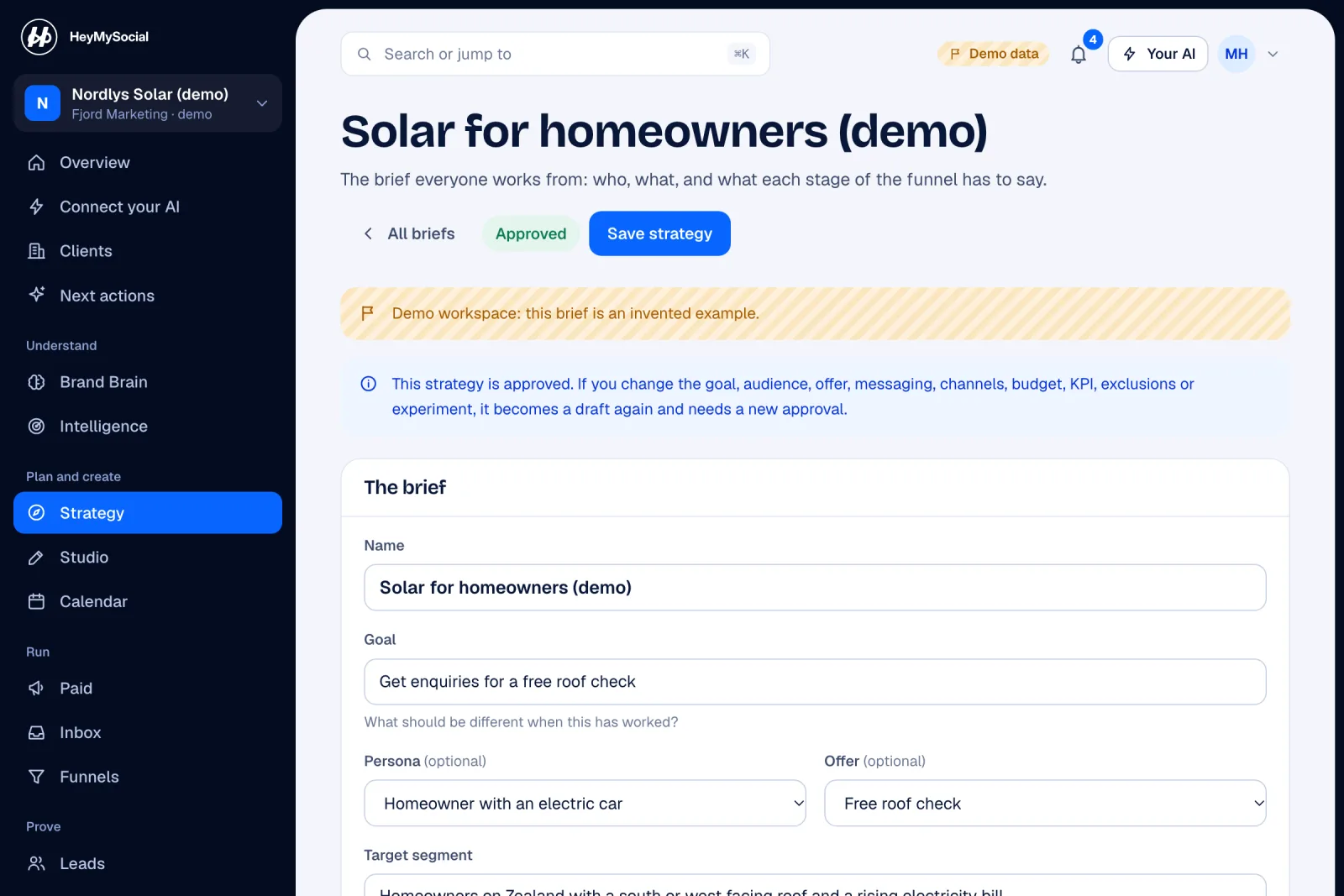
A strategy brief is one page. At the top: the goal, the persona, the offer and the target segment. In the middle: one message and one call to action for each funnel stage, awareness, consideration and conversion. Below: the channels, the one KPI it is judged on, a budget hypothesis, the exclusions and the experiment design.
The funnel messages are briefs for the writer, not finished posts. Beside each stage the screen counts the posts that belong to it: published, scheduled and in progress.
Two people can open the same brief. When one saves first, the other is told "Someone else saved first" and can load their version instead of overwriting it.
- KPI choices: reach, engagement rate, link clicks, leads, qualified leads, sales, cost per lead.
- Exclusions: what must never be said, shown or promised.
- Internal notes are for your own team. Clients never see them.
From an empty page to an approved strategy
-
1
Draft from brief
Choose a persona and an offer that are approved in Brand Brain. Fixed rules fill a new strategy from them, your brand profile and your playbook. No AI model is involved. Where there is no source, the field stays empty.
-
2
Read every suggestion
Each field the rules filled is marked "Suggestion: review". Edit it, or press "Keep as is", and the mark goes away. What the draft could not know is listed.
-
3
Send for review
The brief is put forward exactly as it stands. Someone who may approve sees it in their tasks.
-
4
Review and approve
The reviewer approves it, or sends it back with a note. The screen shows who approved it and when.
-
5
Change it later
Changing the goal, audience, offer, messaging, channels, budget, KPI, exclusions or experiment of an approved brief makes it a draft again, and it needs a new approval.
The three tabs
Campaigns
A campaign has a name, a kind (organic, paid ads, or both), an objective, dates, a status and your own budget for the whole campaign. Saving it generates a reference code for tracked links. The code says nothing about the campaign to anyone who sees it.
Strategy briefs
Every brief with its goal, KPI and approval state. A campaign follows one brief, and the brief lists the campaigns that use it.
Hypothesis board
One card per belief, in six columns: backlog, testing, supported, refuted, inconclusive and dropped. Priority 1 is tested first.
A hypothesis says what it rests on
A hypothesis is one sentence that could turn out to be wrong, the reason you believe it, and the one metric that will decide. You also choose what it rests on: no evidence yet, an observed market signal, your own measured outcome, or a verified sales outcome.
That label travels with it. A hypothesis built on a competitor's post stays marked as a market signal: it shows what others publish, not whether it works. Moving a card to "Supported" or "Refuted" is your call, to be made when your own results say so.
Run an honest experimentWhat your assistant can do with strategy
With build_campaign it creates a campaign, its brief, hypotheses and up to 20 posts as drafts in one call. What it writes in a brief is marked as a suggestion for you to review, except the choice of persona and offer and a budget figure.
build_campaign
Build a whole campaign as drafts
decide_strategy
Send a strategy for review, approve it or return it to draft
get_campaign
Get a campaign in full
get_strategy
Get a strategy brief
list_campaigns
List campaigns
manage_campaigns
Create, change or archive a campaign
manage_hypotheses
List, add, change or remove hypotheses
save_strategy_draft
Save a strategy draft
A budget on this screen is your own estimate. Nothing is ever spent from it.
HeyMySocial has no code that creates an ad, changes a budget or spends money on an ad platform. The "Draft from brief" rules never fill in a budget either. How paid results and budget requests work.
Questions about strategy
Do I need a strategy before I can write posts?
How good is "Draft from brief"?
Can my assistant approve a strategy?
What is the reference code for?
Who can see and change strategies?
Keep reading
Write the brief once, and let every post follow it
Add a persona and an offer in Brand Brain, have them approved, press "Draft from brief", and read the suggestions. Or ask your assistant to build a campaign with you.