
A research library you fill yourself, with the source on every item
The Intelligence screens hold what you see competitors, creators and your industry publish: posts, ads, landing pages and your own notes. You add each item by hand, from a CSV file or through your assistant, and it keeps its source, its access type and the day it was recorded.
In the app the menu item is called Intelligence. It has three tabs: Library, Watchlists and Import a file.
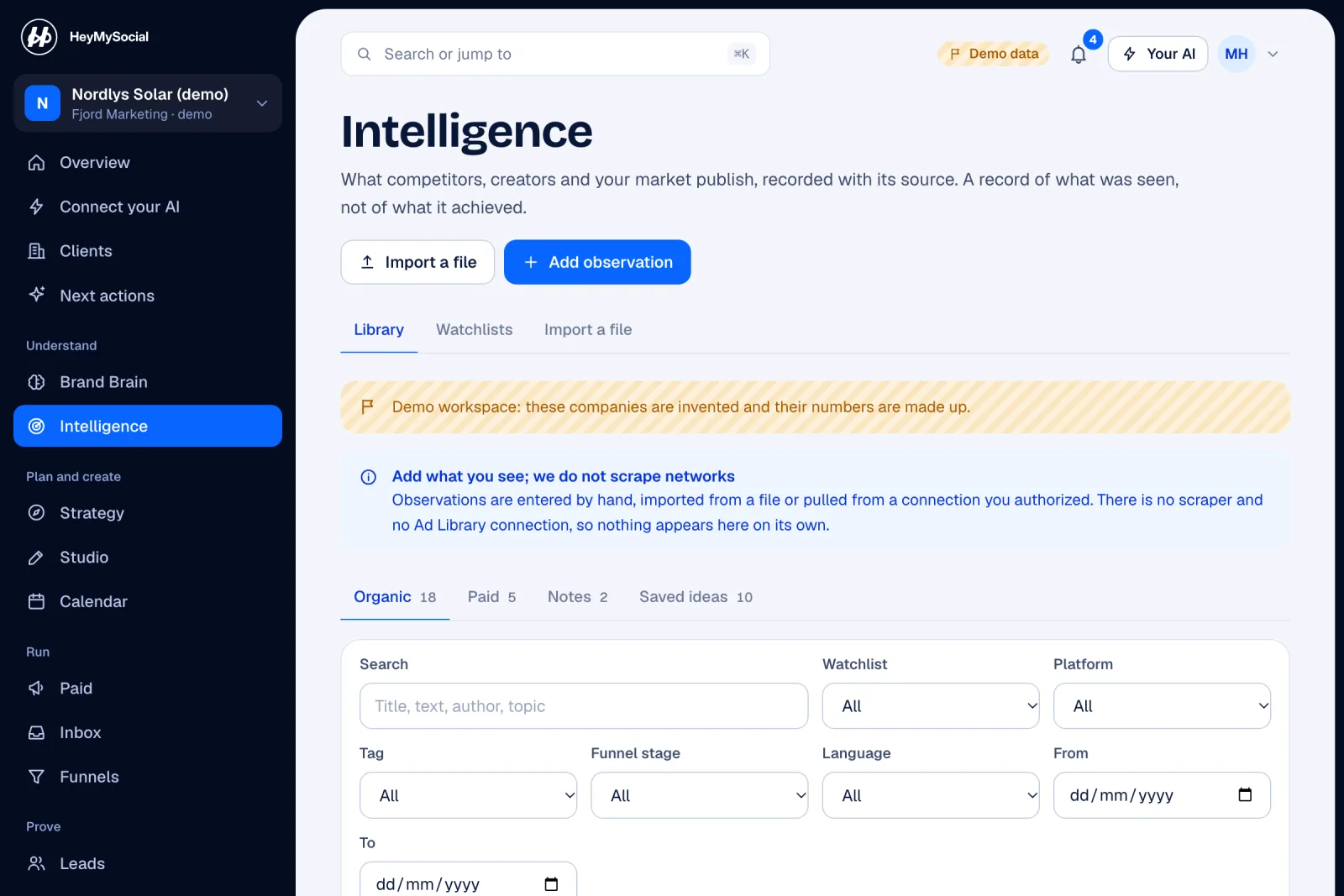
A record of what was seen, not of what it achieved.
There is no scraper and no Ad Library connection, so nothing appears in the library by itself. The addresses you save are stored and never fetched. How long a competitor ran an ad is an observation; it is not their spend, their profit or proof that the ad works.
Three ways in, all of them yours
An observation is one thing you saw: an organic post, an ad, a landing page or a note. You say how you reached it (public, authorized access, or entered by hand), and a public item needs its address.
Numbers are entered as you can see them. Leave a field empty when the number was not visible: empty is stored as unknown, never as zero.
- By hand: "Add observation" opens a short form. "Add and add another" keeps it open for the next one.
- By file: upload a CSV, match its columns to the fields, set defaults for rows that do not say, and see the rows that were left out with the reason.
- Through your assistant: paste or describe what you saw and it saves the observation with save_observation, or a whole list with import_observations.
- The same item twice is not stored twice. A row with the same platform and address or id adds a new reading to the observation you already have.
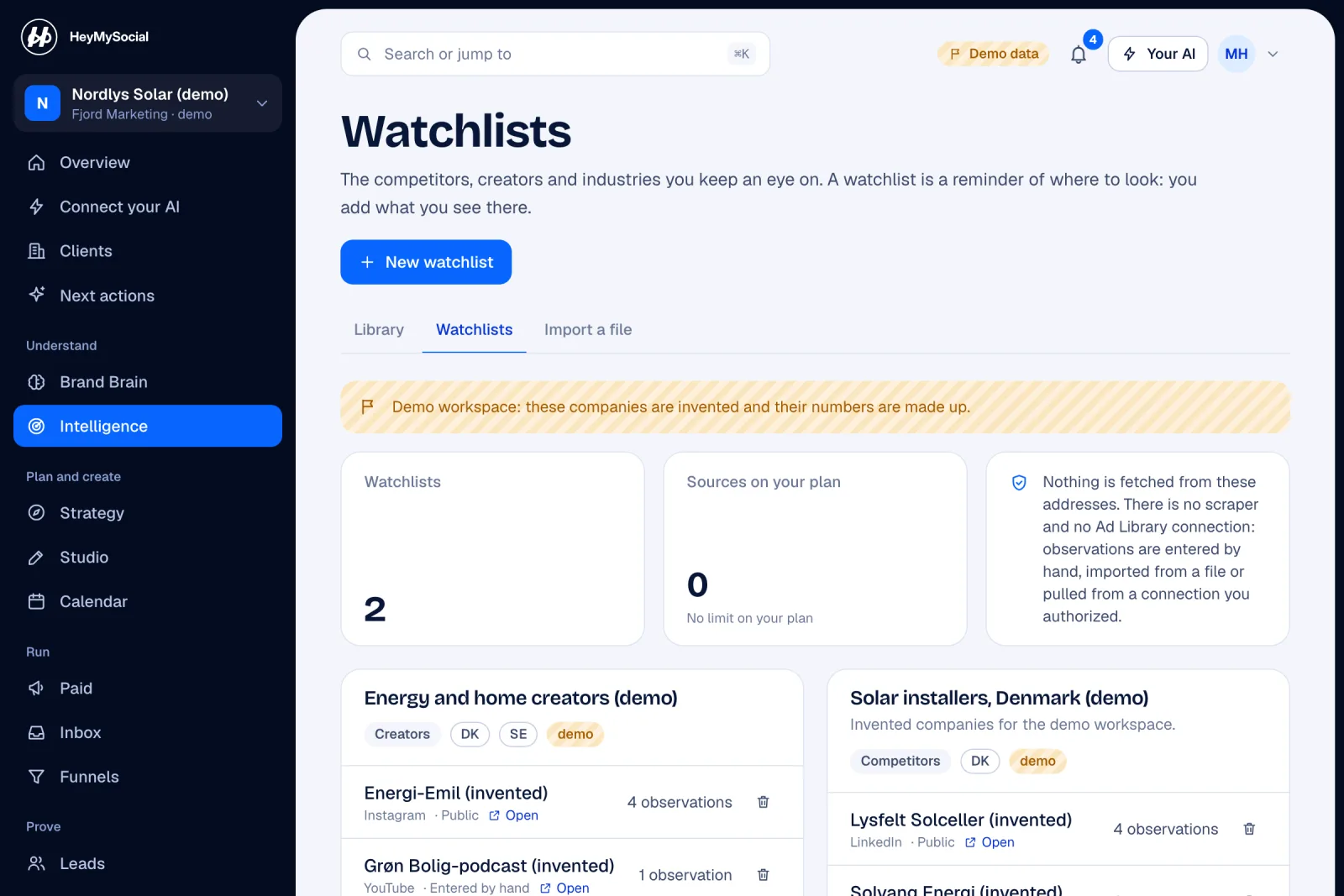
Watchlists are reminders of where to look
A watchlist names the competitors, creators or industry you keep an eye on, with countries, industries and notes. Each holds sources: a name, a platform, an address and how you have access.
Nothing is fetched from those addresses. A watchlist does not monitor anyone; it is the list you open when you sit down to look, and the place an observation is filed under.
The number of sources is a plan limit counted across all your workspaces. Sources in the demo workspace are not counted.
What an observation holds
Source and access
The address, the author or advertiser, how it was reached and how it got here: entered by a person, imported from a file, or recorded by your assistant from what you gave it.
Numbers over time
Likes, comments, shares, views and followers as they were visible on the day. "Add today's numbers" adds a new reading, and each metric gets its own chart.
Tags for the pattern
Hook type, topic, offer type, format, funnel stage, language and audience hypothesis, plus free tags. "Suggest tags" proposes from keyword rules and you decide. No model reads the text.
A comparison score
Posts are compared with the same source's other posts. Ads get a persistence index from how long and in how many versions they were seen. Notes and landing pages are not scored.
Saved ideas
"Save idea" puts an observation in a collection of patterns worth testing. The Saved ideas tab groups them by collection.
Turn into a brief
Opens a new post in the Studio with the topic, funnel stage and language of the observation. Their wording is never carried over.
Scores compare observations with each other, and say so
Every observation and every score carries the label "Observed market signal". A score describes what was published and how visible reactions compare. It says nothing about anyone's results.
The detail view has a panel called "How this score is worked out" with the formula, its version and the numbers that went in.
- For a post: the engagement rate, adjusted for the age of the post, against the median of the same source's other posts, where 50 means the same as that median. Posts in the same format on the same platform are compared too when enough of them exist.
- For an ad: how many days it was seen running and in how many versions. Nothing else is known about it.
- A number that was not visible is left out on both sides of a comparison. It is never counted as zero.
- When a required input is missing there is no score, and the missing input is named. A thin baseline is labelled "Small sample".
What your assistant can do in the library
It records what you give it and reads back what recurs. It cannot browse a network for you through HeyMySocial, and deleting an observation needs your yes in the conversation.
add_observation_metrics
Add a metric reading to an observation
get_observation
Get one market observation
get_research_summary
Recurring patterns in the research library
import_observations
Record many market observations at once
list_observations
List market observations
manage_watchlists
Watchlists and the sources on them
remove_observation
Delete a market observation
save_observation
Save or update a market observation
suggest_observation_tags
Propose tags for an observation
What is there today
Questions about research
Does HeyMySocial monitor my competitors for me?
Can a score tell me that a competitor's post worked?
What happens to the text I paste from someone else's post?
Which plans include it?
How do I get from an observation to a test?
Keep reading
Start with three competitors you already watch
Add their pages as sources on a watchlist, record what stands out this week, and tag the pattern. The demo workspace shows a library that is already filled in.