
Next to a CRM
This is not a choice between two tools. A CRM is where your sales people work a lead until it is won or lost. HeyMySocial is where you see which post, ad or link that lead first came from, and what the campaign behind it cost per sale. The two exchange status and sales, and each stays in charge of its own facts.
Works today with any system that can send or receive a signed webhook, or export a CSV file.
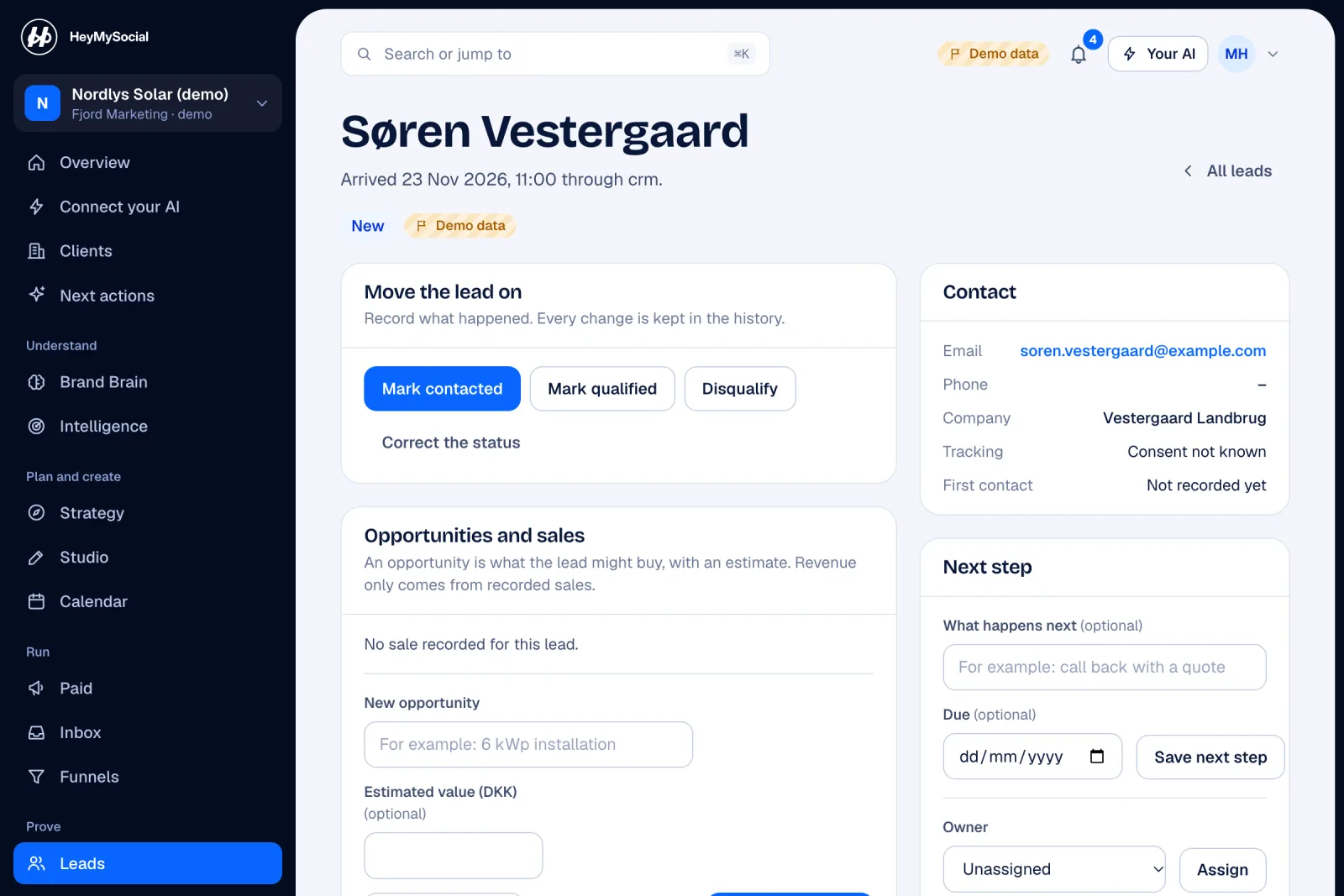
Keep your CRM. It stays the source of truth for sales.
When the CRM and HeyMySocial disagree about what a deal was worth, the CRM wins. When they disagree about when a lead was first contacted or where it came from, HeyMySocial keeps its own record and the CRM cannot overwrite it.
Who is in charge of which fact
These rules are fixed in the product, so a sync can never quietly change a number in the wrong direction.
| Fact | Source of truth | What happens in a sync |
|---|---|---|
| Sale amount and currency | Your CRM | What the CRM says replaces what HeyMySocial has. Refunds are linked to their sale. |
| Opportunity value | Your CRM | The CRM's value replaces the one in HeyMySocial. An opportunity is an estimate and is never counted as revenue. |
| First contact time | HeyMySocial | A value from the CRM only fills the gap when HeyMySocial has none. |
| When the lead arrived, and its attribution | HeyMySocial | Never changed by the CRM on a lead HeyMySocial already has. A lead that first arrives from the CRM takes its arrival time from there. Attribution is recalculated when a sale or a late touchpoint arrives. |
| Lead status | Whichever changed last | The newest change wins, and both values are kept in the lead's history. A status that just came from the CRM is not sent back to it. |
| A CRM status HeyMySocial does not know | Nobody, until you map it | The lead keeps its status and the record is listed as a reconciliation error. Nothing is guessed. |
What each one is built around
A CRM, typically
- Contacts and companies with their whole history: calls, mail, meetings, notes.
- A pipeline of deals with stages, values and a forecast.
- Tasks, reminders and, in many products, mail sequences and quotes.
- A "source" field on the lead that someone, or a form, has to fill in.
- Reports on the sales process: who closed what, and how fast.
HeyMySocial today
- A lead with its status, owner, next step, opportunities, sales and refunds: enough to follow it to an outcome.
- Touchpoints recorded by tracked links, a website script and signed webhooks, not typed into a field.
- First-touch and last non-direct attribution, each with a readable reason, and "unknown" as a row of its own.
- Spend from imported ad results beside those leads and sales: cost per lead, per qualified lead and per won sale.
- Status and sales taken from your CRM by signed webhook or file, and lead status sent back to an address you choose.
How a lead moves between the two
With the webhook connection that works today. The step-by-step guide.
-
1
A visitor arrives through a tracked link
HeyMySocial records the click as a touchpoint for the post, ad or mail the link was in.
-
2
The visitor becomes a lead
Through your own form, reported by the website script or a signed webhook, or through a hosted landing page. HeyMySocial records when the lead arrived and what it came from.
-
3
Your sales people work it in the CRM
The lead reaches your CRM the way it does today, from your form or your own automation. HeyMySocial does not create records in your CRM.
-
4
The CRM reports back
Status changes, opportunities and sales arrive as signed webhooks, or in a CSV export you upload. A lead from the CRM that matches none here is created as a new lead. A sale or an opportunity whose lead is not known is listed for a person to look at.
-
5
The sale lands on the campaign
Attribution is recalculated, and Analytics and the funnel matrix show the sale and its revenue against the campaign, post or link that the lead came from.
Three ways to connect, and one that waits
A signed webhook is the route that works with almost anything: your CRM, or an automation tool you already run, sends lead, opportunity and sale changes to an address that belongs to your workspace. Every request is signed. An old request is refused, a repeated one is answered as a duplicate and changes nothing, and lead status can be sent back to an https address you choose, with a delivery log and retries.
A CSV export catches anything a webhook missed, and uploading the same file twice changes nothing. The REST API takes the same records in batches.
- A record is matched by an earlier link, by the lead reference from HeyMySocial's tracking, or by an email address that fits exactly one open lead.
- Your own status names are mapped to HeyMySocial's own statuses, per connection.
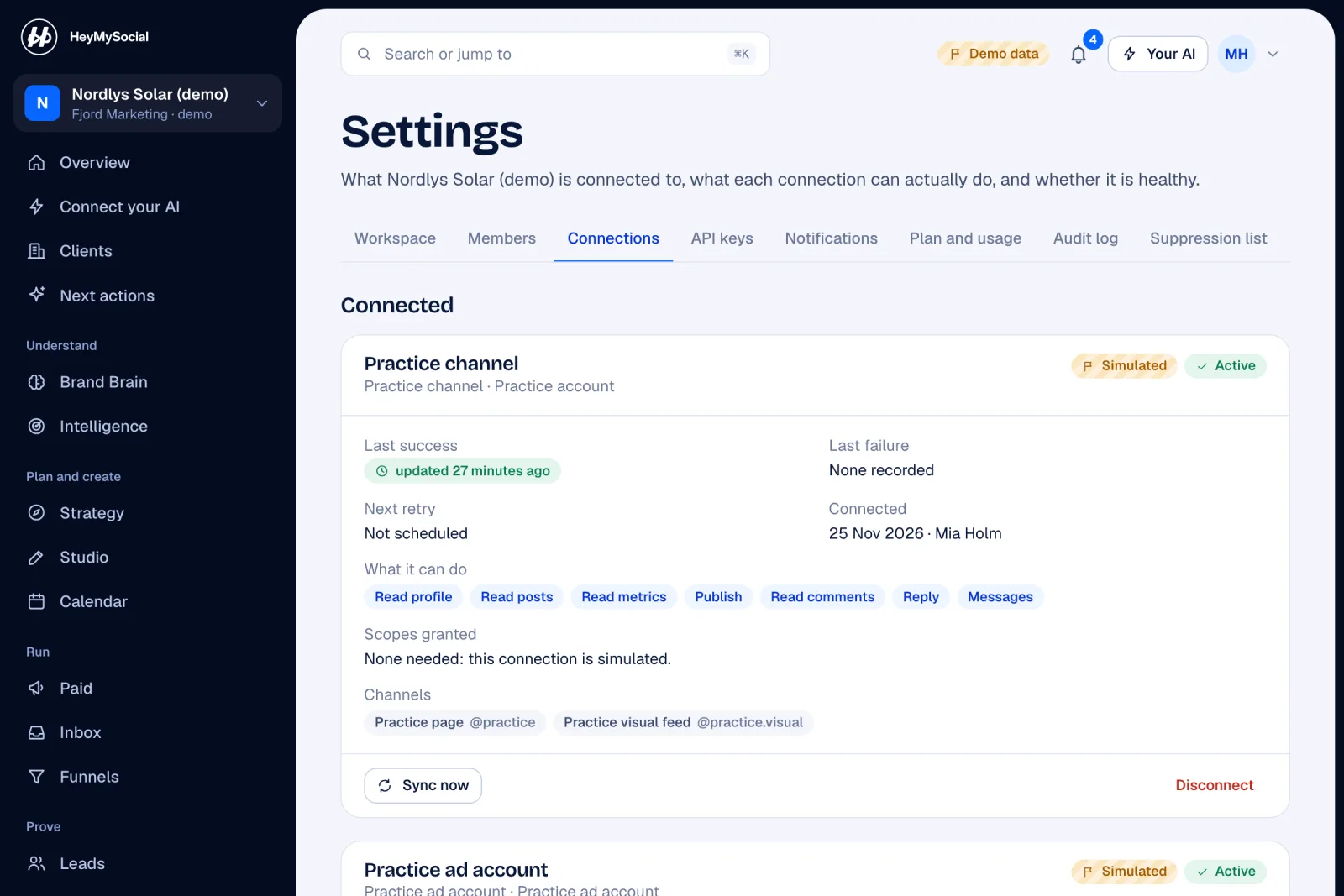
- A ready-made connector for two common CRM systems is built and switched off. It has not been checked against the live systems.
Where the CRM is the better choice
HeyMySocial keeps leads so that attribution works. It is not trying to be the place your sales team lives.
Working a deal
Calls, mail, meetings and a forecast belong in a CRM. HeyMySocial has a status, an owner, a next step with a date, notes, and opportunities with an estimate. It logs no calls, mail or meetings and makes no forecast.
Companies and contact history
A CRM typically models companies, several contacts per company and their history. HeyMySocial has a contact and its leads.
Writing to leads
HeyMySocial sends no mail or messages to your leads. Its inbox works on the practice channel only.
The final word on revenue
Invoices, deal values and corrections are settled in the CRM or the accounts. HeyMySocial takes the number it is given and says where it came from.
Questions about CRM
Do I need a CRM to use HeyMySocial?
Will HeyMySocial create or change records in my CRM?
What if the CRM and HeyMySocial disagree?
What happens to a record that matches nothing?
Is there a one-click connection to my CRM?
Keep reading
Connect the CRM you already have
The demo workspace has a CRM connected by webhook, so you can see matched records and a reconciliation error before you connect your own.