
From the first click to a signed contract, months apart
A B2B deal starts with a post and ends in a CRM a long time later. HeyMySocial keeps the lead, its opportunities and its sale on one trail, takes status and revenue from your CRM, and shows which touchpoint started it and which one brought the buyer back.
Publishing to LinkedIn is built and switched off. Today you post there by hand and mark the post as published.
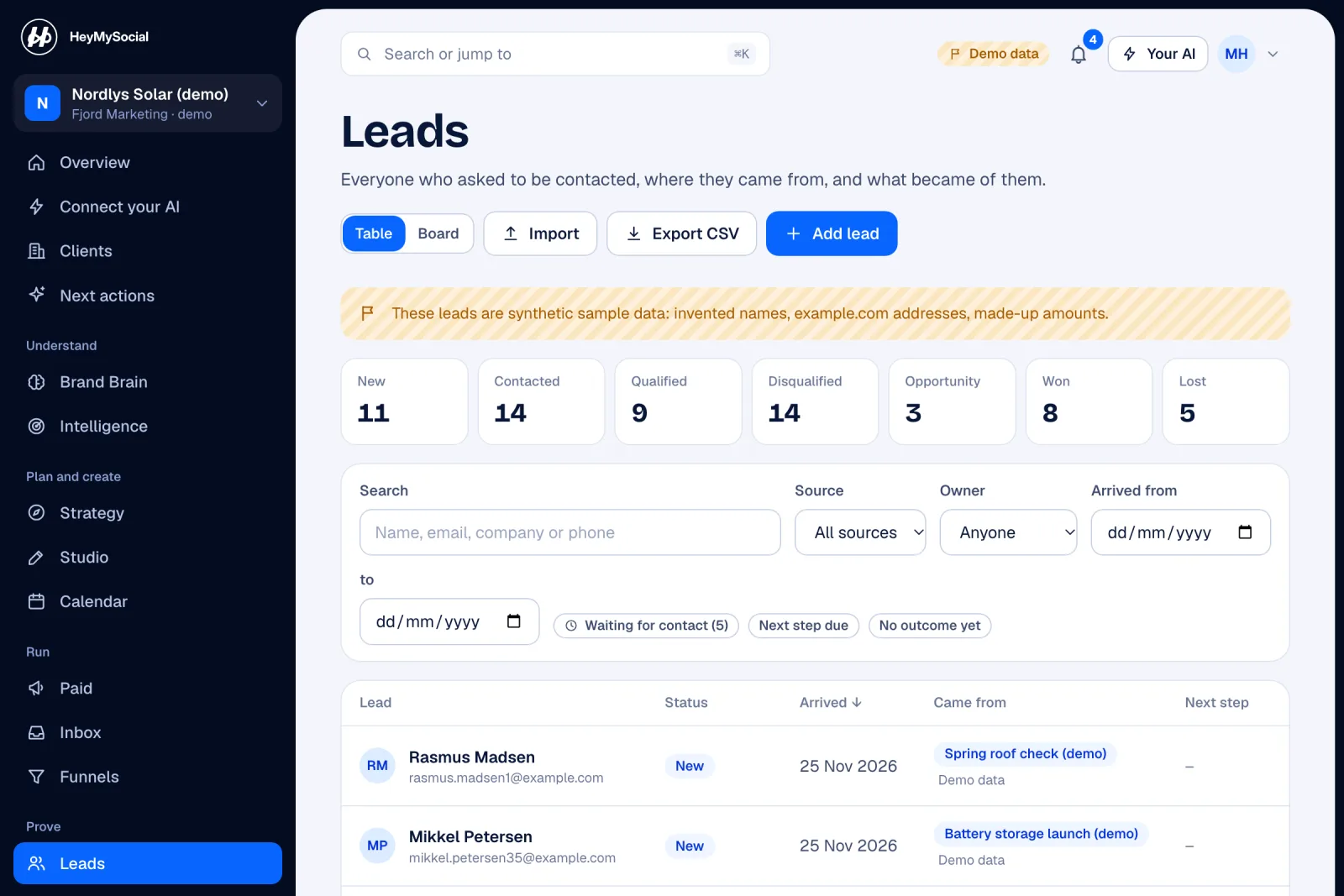
One deal, from a post to a signature
An illustration with an invented firm: an engineering consultancy that sells to housing associations.
-
1
A post goes out with a tracked link
You approve the post here, publish it on LinkedIn by hand and mark it as published. The link in it is a tracked link made for that post, to the page with your guide.
-
2
A reader asks for a meeting
The form on your site creates the lead. First touch and last non-direct touch are worked out for it, each with a sentence that says why.
-
3
Sales picks it up in the CRM
When the status changes there, your CRM calls the signed webhook and the lead moves here too. A status your mapping does not know is listed for a person to look at. It is not guessed.
-
4
An opportunity with an estimate
The CRM sends the opportunity with its value and expected close date, or you add it on the lead. It is shown as an estimate and stays out of revenue.
-
5
The quote is sent and the months pass
The opportunity reads "Quote sent". The lead keeps its owner and its next step, and the filter "Next step due" lists the ones that have gone quiet.
-
6
The contract is signed
Your CRM reports the lead as won and sends the sale with the real amount. In first touch the revenue sits on the post from step one; in last non-direct touch it sits on whatever brought the buyer back before they asked.
Two models, shown side by side
A long sales cycle has more than one honest answer to "where did this deal come from". HeyMySocial keeps two and lets you switch between them in Analytics.
First touch
The earliest touchpoint inside the window. It answers what made the buyer find you. If that first touchpoint was a direct visit, the lead is reported as direct.
Last non-direct touch
The latest touchpoint inside the window that was not a direct visit. It answers what brought them back before they asked. With only direct visits, the lead is reported as direct.
The window
How far back before the lead arrived a touchpoint still counts: 7, 14, 30, 60, 90 days, with 30 as the default. A manager changes it in Analytics or in the workspace settings; every lead is then attributed again and the earlier results are kept as history.
Nothing is guessed
A lead is tied to a touchpoint only through its own visit, a signed link reference, a tracked link it named or a campaign the sender stated. Everything else is reported as direct, unknown or no consent, in rows of their own.
The window is counted back from the day the lead arrived, not from the day the deal closed.
A contract signed many months later still belongs to its lead, and through the lead to the touchpoint that brought it. The length of your sales cycle does not push a deal out of attribution.
Opportunities are estimates. Sales are revenue.
A lead can hold several opportunities: what the buyer might purchase, with an estimate, an expected close date and a stage of open, quote sent, won or lost. An estimate is never counted as revenue and never reported as sales.
Revenue comes only from a recorded sale: a real amount with its currency, date and invoice or order number, marked as entered by hand, from the CRM or from an invoice. A lead can have more than one sale, and a refund is recorded against the sale it reduces.
- Closing an opportunity as won records no revenue. The sale does, with the real amount.
- A sale that arrives twice with the same number is the same sale.
- Booked, invoiced and collected amounts are kept apart.
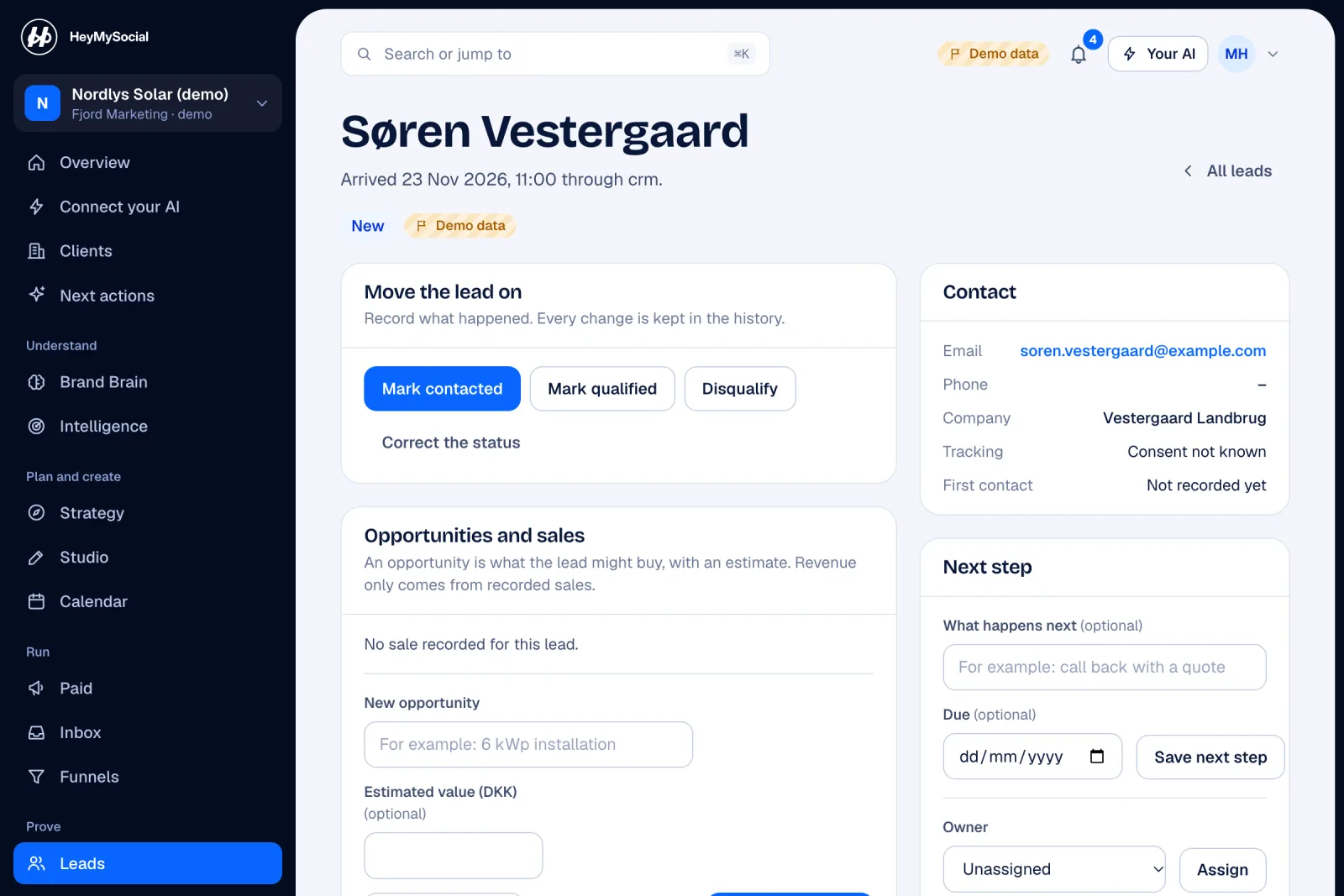
Your CRM, by signed webhook or by file
Connect it under Settings, Connections. There is no connector to install: your CRM, or a small script beside it, posts changes to a signed address, and HeyMySocial can post lead status back.
- In: contacts, leads, opportunities and sales. A wrong signature or an old timestamp is refused, and a request seen before is answered as a duplicate and changes nothing.
- Your CRM's own status words are mapped to the seven statuses here. You set the mapping once on the connection.
- Out: when a lead's status changes here, a signed webhook tells your CRM. A change that just came from the CRM is not sent back to it.
- By file: upload a CSV export to reconcile, for a CRM that cannot call a webhook or when a call was missed.
- Records that could not be applied are listed on the connection's page with the CRM's own id and the reason.
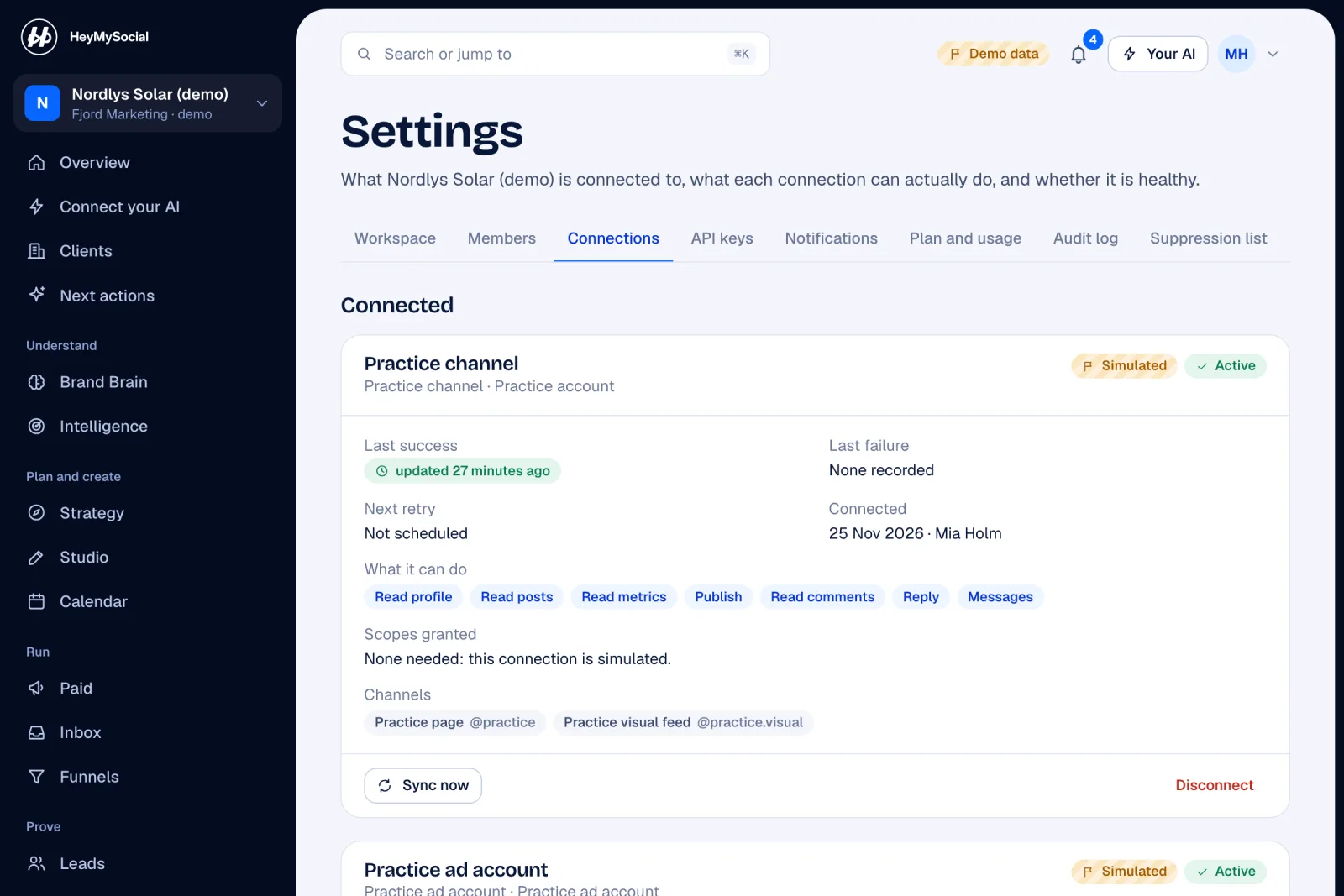
When the CRM and HeyMySocial disagree
The rule is fixed, so the same disagreement always ends the same way.
| Record | Who has the last word | What happens |
|---|---|---|
| Sale amount and opportunity value | Your CRM | The CRM's value is used here. |
| Time of first contact | HeyMySocial | A time from the CRM is used only when HeyMySocial has none. It never replaces one that is recorded here. |
| Attribution | HeyMySocial | The CRM cannot overwrite it. |
| Lead status | The newest change | Both values are kept in the lead's history. |
| A lead deleted in the CRM | HeyMySocial | The lead stays here and is listed for a person to look at. |
| A sale deleted in the CRM | Your CRM | The sale is removed here too. |
What your assistant can do in the pipeline
It can tell you why a deal from the CRM is missing with get_crm_status, keep opportunities current with manage_opportunities, and compare campaigns on qualified leads and sales with get_results. It uses only the amounts you state, and it contacts nobody.
create_lead
Add a lead by hand
create_status_link
Create a status link for a client
get_crm_status
CRM sync status
get_lead
Get one lead
import_leads
Import a list of leads
list_leads
List leads
manage_opportunities
Add or change a lead's opportunities
record_refund
Record a refund of a sale
record_sale
Record a sale on a lead
revoke_status_link
Revoke a client status link
update_lead
Update a lead's owner, next step and notes
update_lead_status
Update a lead's status
True today, and what waits
Questions from marketing and sales
What if the first touch was longer ago than the window?
Is there a multi-touch model?
Can we connect HubSpot or Pipedrive directly?
We get few leads. Will the comparisons mean anything?
Next actions keeps asking for outcomes on leads that are still open. Why?
What should our sales people be able to see?
Keep reading
Follow one deal the whole way
Create an account, add your website, and connect your CRM when the first lead needs a status. The demo workspace has leads at every stage to look at first.