
Every enquiry followed until it is a paid job, or not
A form on your website or a call someone typed in: each becomes a lead with a status, an owner and a next step. When the job is paid you record the sale, and HeyMySocial shows what each campaign cost per sale rather than per lead.
For electricians, plumbers, clinics, garages, salons and anyone else who lives on enquiries.
The cheap enquiry is often the expensive one
Two campaigns spend the same. One fills the phone with people who wanted a price and nothing more; the other brings fewer people, who book. You only see the difference when each lead is followed to what became of it.
The numbers in this example are an illustration, not anyone's results.
- Spend
- DKK 10,000
- Leads
- 200
- Cost per lead
- DKK 50
- Sales
- 2
- Spend
- DKK 10,000
- Leads
- 50
- Cost per lead
- DKK 200
- Sales
- 10
A week at a plumbing firm with four vans
An illustration of the routine, not a customer's story.
-
1
An enquiry comes in from the website
The form on your site sends it straight to Leads as New. If the visitor agreed to tracking, the lead also shows the post or ad that brought them.
-
2
A customer phones instead
Whoever takes the call presses "Add lead" and types the name and number. If the caller says where they saw you, choose it under "Campaign they mentioned". It is recorded as stated, not as measured.
-
3
Nobody has called back yet
Once the follow-up time you set has passed, the lead appears under "Leads to follow up" on the Overview, and in a reminder if you keep those on. The filter "Waiting for contact" lists them all.
-
4
You call and book a visit
Press "Mark contacted". The time of the first contact is kept, and that is where the response time in Analytics comes from. Write the next step, for instance a visit on Thursday, with its date.
-
5
The quote goes out
Mark the lead qualified, then make it an opportunity with what the job might be worth. That figure is an estimate and is never counted as revenue.
-
6
The job is done and paid
Record a sale with the real amount and the invoice number, and the lead closes as Won. A job that fell through is marked Lost with a reason, so you can see later which enquiries were worth the drive.
Every way an enquiry reaches you
Whatever door a lead comes through, it goes through the same intake. The same person is recognised by their email address, and a second enquiry from them shortly after the first is kept but not counted twice.
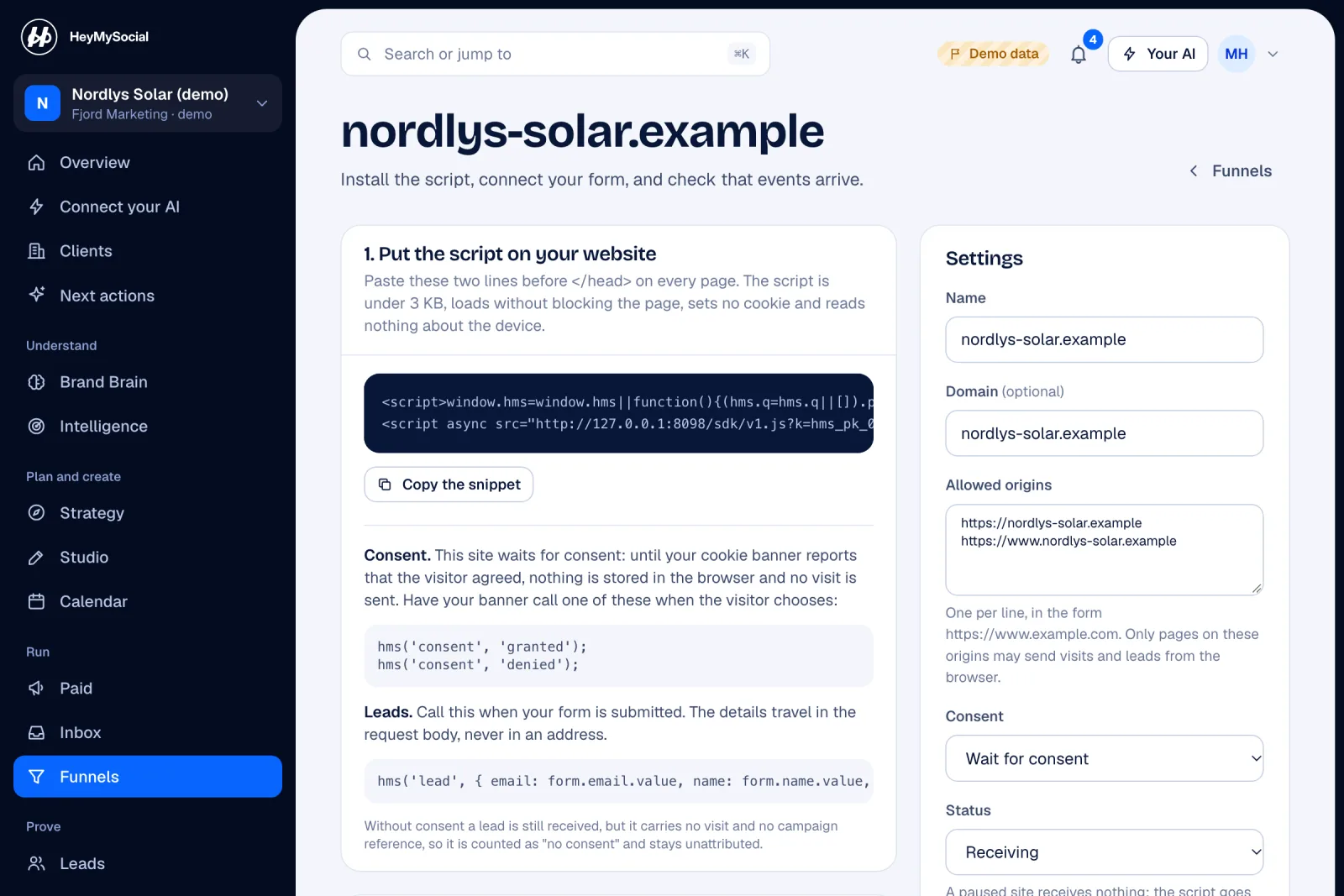
- Your website form: two lines of script on the site and one call when the form is sent.
- A form or price calculator you already have: your server sends the lead to a signed address, and nothing on the page changes.
- A simple landing page hosted by HeyMySocial, with a form and a consent box.
- By hand, for the phone, the counter and the recommendation.
- A CSV file, when you start with a list from another system.
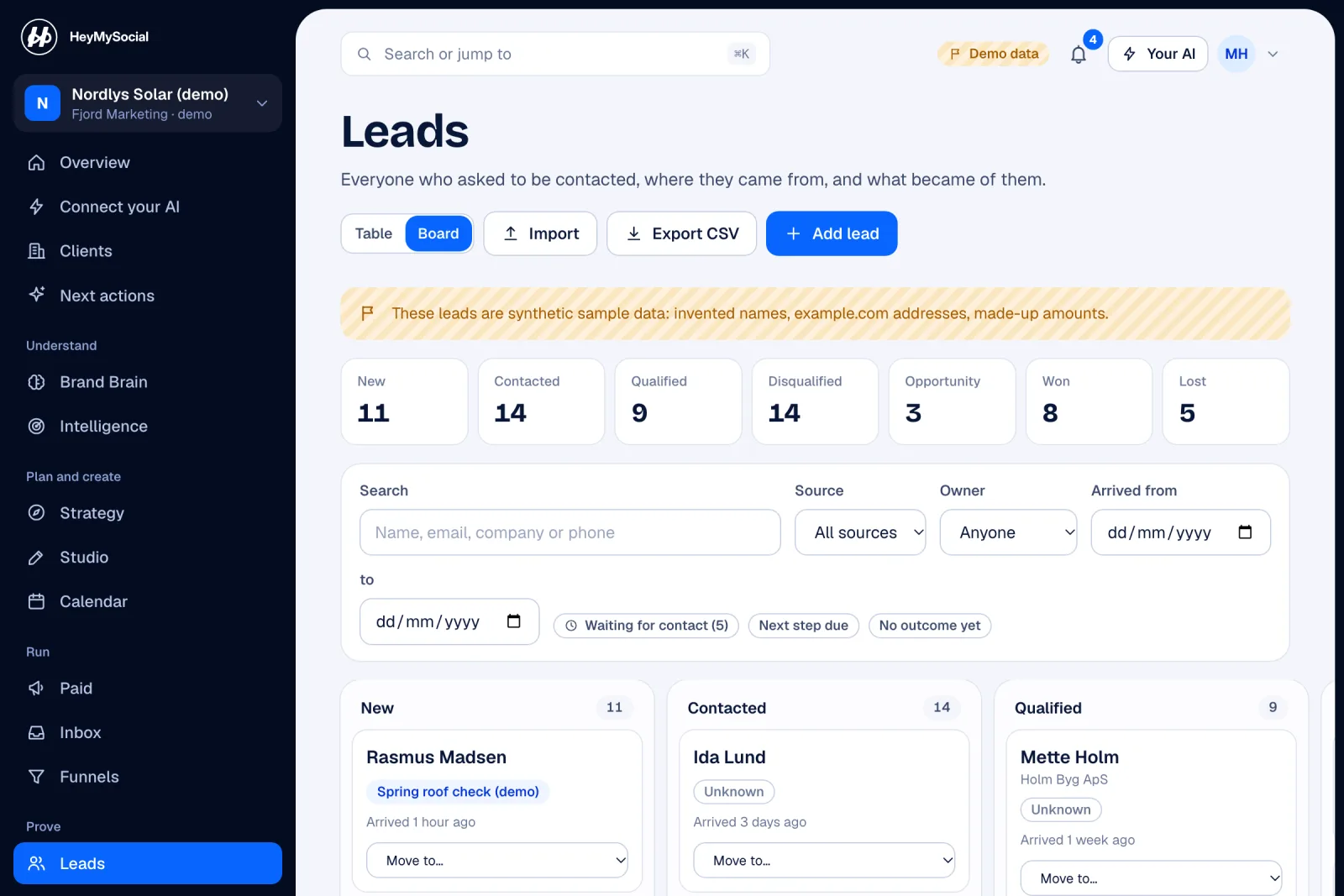
A status for every lead, and a reason when it ends
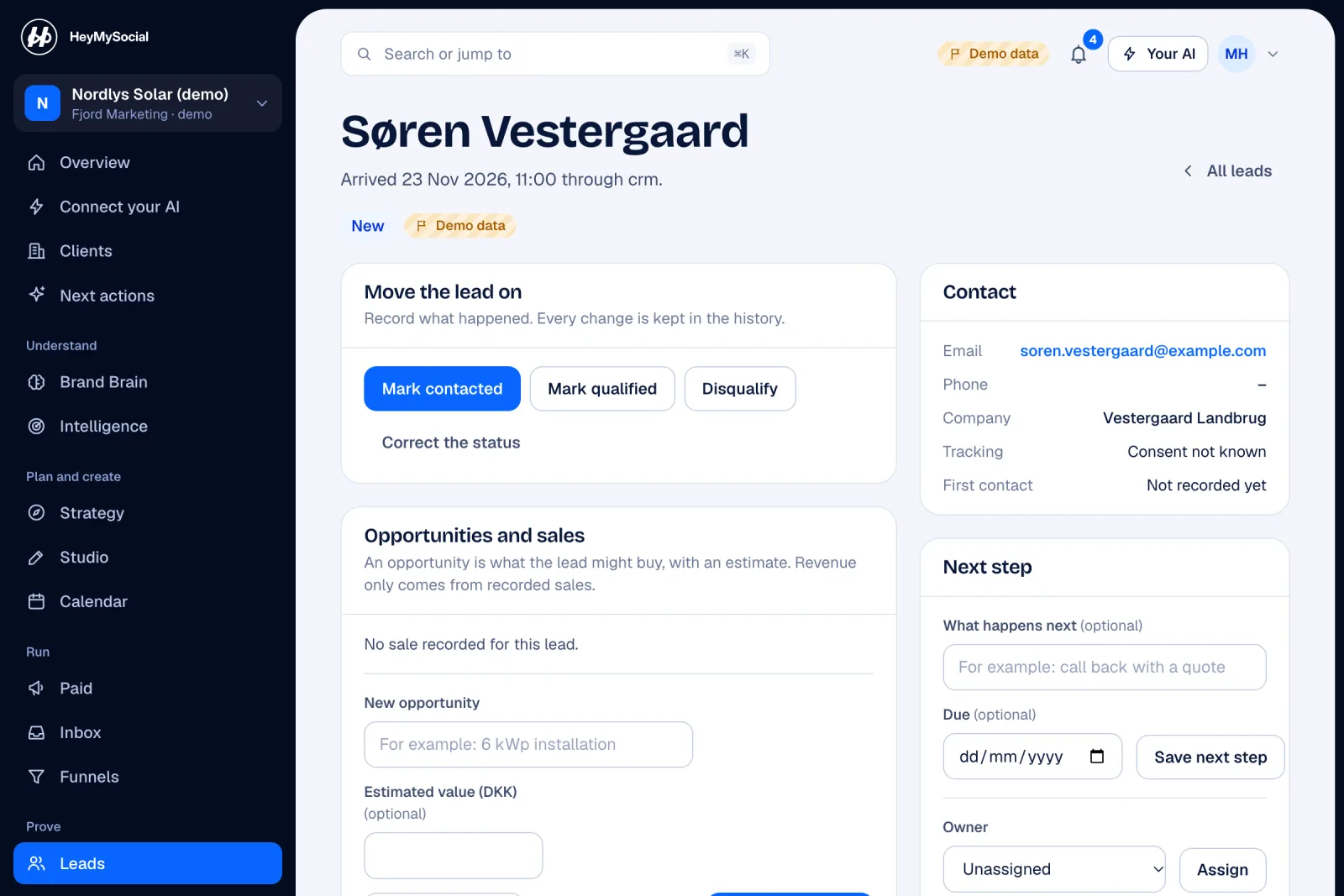
A lead moves one way: New, Contacted, Qualified or Disqualified, Opportunity, Won or Lost. Lost and Disqualified ask for a short reason. If a status was simply wrong you correct it, and the earlier one stays in the history, marked as corrected.
Each lead has an owner and a next step with a date. Its page says in plain words where it came from, and says so when that is not known.
- To mark a lead won you record its sale. There is no won without an amount.
- A refund is recorded against its sale and comes off the revenue.
- The Sales collaborator role is made for the person on the phone: they update status and record sales, and cannot change members, connections or posts.
A lead is not a result until someone says what became of it.
Cost per sale needs two things from you: the outcome of each lead, and your ad spend. Spend comes in as the file you export from Ads Manager. Until it is there, cost per lead and cost per sale read "N/A", never zero.
What you can leave to your assistant
Connect the assistant you already use and talk to it the way you would to someone in the office. It works with your role, and it contacts nobody.
"Who is waiting for a call?"
It reads what needs a person with list_tasks and the leads without a first contact with list_leads.
"A woman rang about a leaking boiler, here is her number"
create_lead adds her exactly as you said it. It never invents an address or completes a number.
"I spoke to him, visit on Thursday"
update_lead_status marks the lead contacted and update_lead saves the next step.
"The bathroom job is invoiced, here is the invoice"
record_sale records the amount you stated with its invoice number. It never estimates, rounds or converts.
"Write three posts about our autumn boiler check"
It drafts from your approved facts and offers, builds the graphics and asks you to approve. You post them yourself.
"Which campaign brought the paid jobs last month?"
get_results answers with leads, sales and revenue per campaign, and says how many leads could not be tied to anything.
What works today, and what you still do by hand
Questions from the workshop and the front desk
Does it track phone calls?
We already have a booking form. Do we have to replace it?
What about visitors who say no to tracking?
How fast do we have to call back?
Do the numbers prove that an ad worked?
Keep reading
Put this week's enquiries in one list
Create an account, add your website under Funnels, and type in the next call that comes. The demo workspace you are offered at setup shows the whole route with sample data first.