
Next to spreadsheets and manual reporting
Many businesses and agencies answer "what did our marketing lead to?" once a month, by hand: an export from the ad platform, a list from the CRM, and an afternoon of matching rows. A spreadsheet is good at that, and flexible. HeyMySocial does the matching as leads and sales arrive, and shows the same numbers the same way every time.
You can still get everything out as CSV and carry on in a spreadsheet.
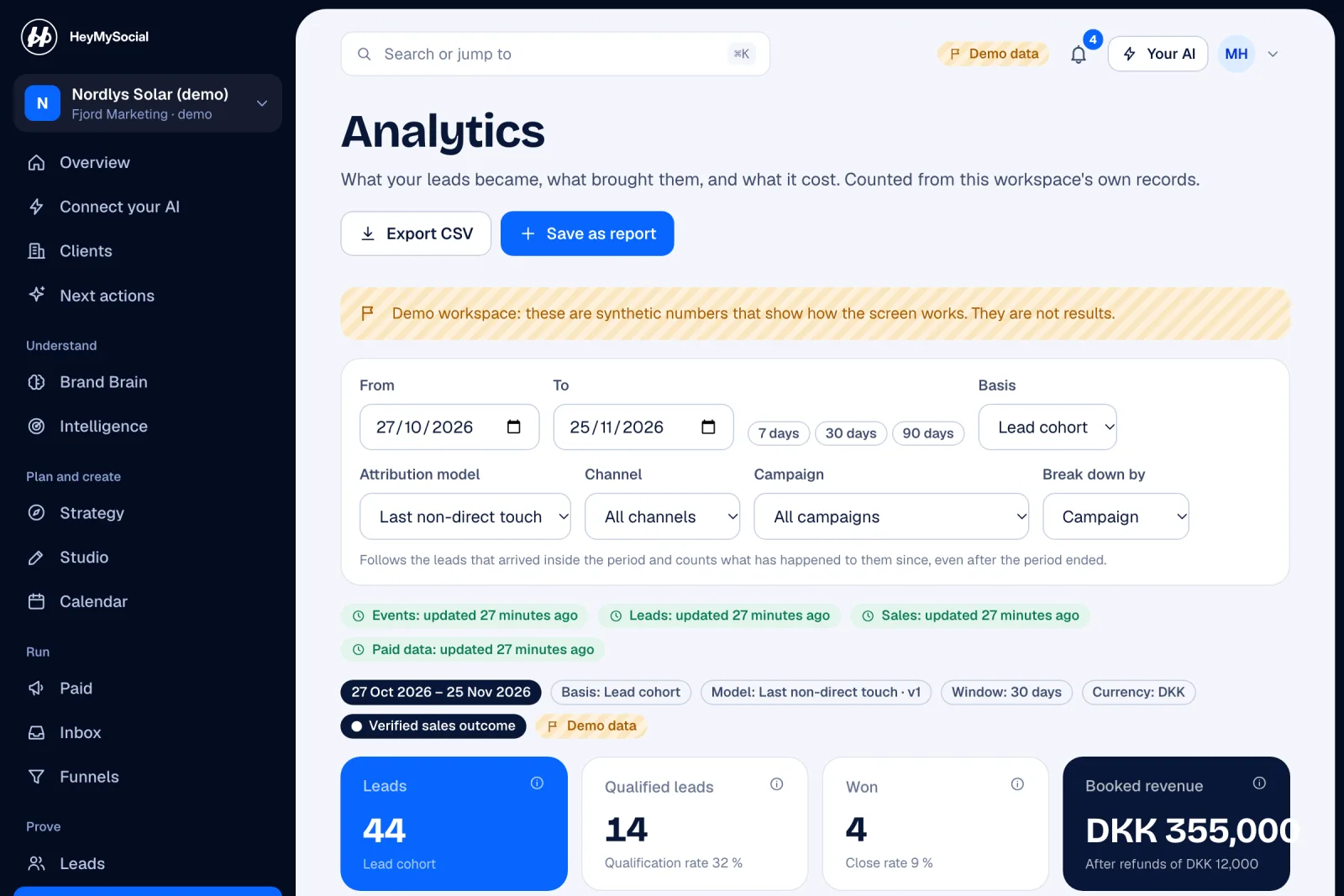
What each one is built around
A spreadsheet and a monthly routine, typically
- Numbers are pasted in from exports, and are as current as the last paste.
- Leads are matched to campaigns by a source column, a naming rule or memory.
- Formulas are whatever the person who built the sheet decided.
- The report is a copy: a file or a screenshot sent by mail.
- It can answer any question you can write a formula for.
HeyMySocial today
- Leads and sales arrive as events from your website, your forms, your CRM or a file, and each source shows when it was last updated.
- A lead is tied to a touchpoint only through its own session, a signed click reference, a tracked link it named, or a campaign the sender stated.
- Definitions are fixed and shown: basis, attribution model, window and currency are stated on every view.
- A saved report is a snapshot with a link that expires and can be revoked.
- It answers a fixed set of questions about leads, sales, spend and attribution, with a fixed set of breakdowns.
The parts of a report that go wrong by hand
None of these are hard. They are just easy to miss on the last afternoon of the month.
| What goes wrong | In a spreadsheet, typically | In HeyMySocial today |
|---|---|---|
| The same lead twice | Counted twice unless someone spots it | A second lead from the same email address soon after the first is marked as a duplicate and left out of the counts. |
| The same sale sent twice | Added twice | A sale with the same id from the same source is recognized, and changes nothing. |
| A sale that arrives after the report | Last month's sheet stays wrong | Attribution is recalculated. On the lead-cohort basis a period counts what has happened to its leads since. |
| A refund | Easily forgotten | Linked to its sale. Booked revenue is shown after refunds. |
| Two currencies | Summed, or converted at a rate someone chose | Kept apart. A total never adds two currencies. |
| Dividing by zero | An error, or a zero that looks like a result | "N/A". A missing number is never shown as 0. |
| Leads with no known source | Left out, or spread over the rest | Rows of their own: direct, unknown and no consent. |
| What a number means | In the head of whoever built the sheet | Each tile carries its definition, and each view states its basis, model, window and currency. |
Files are still welcome
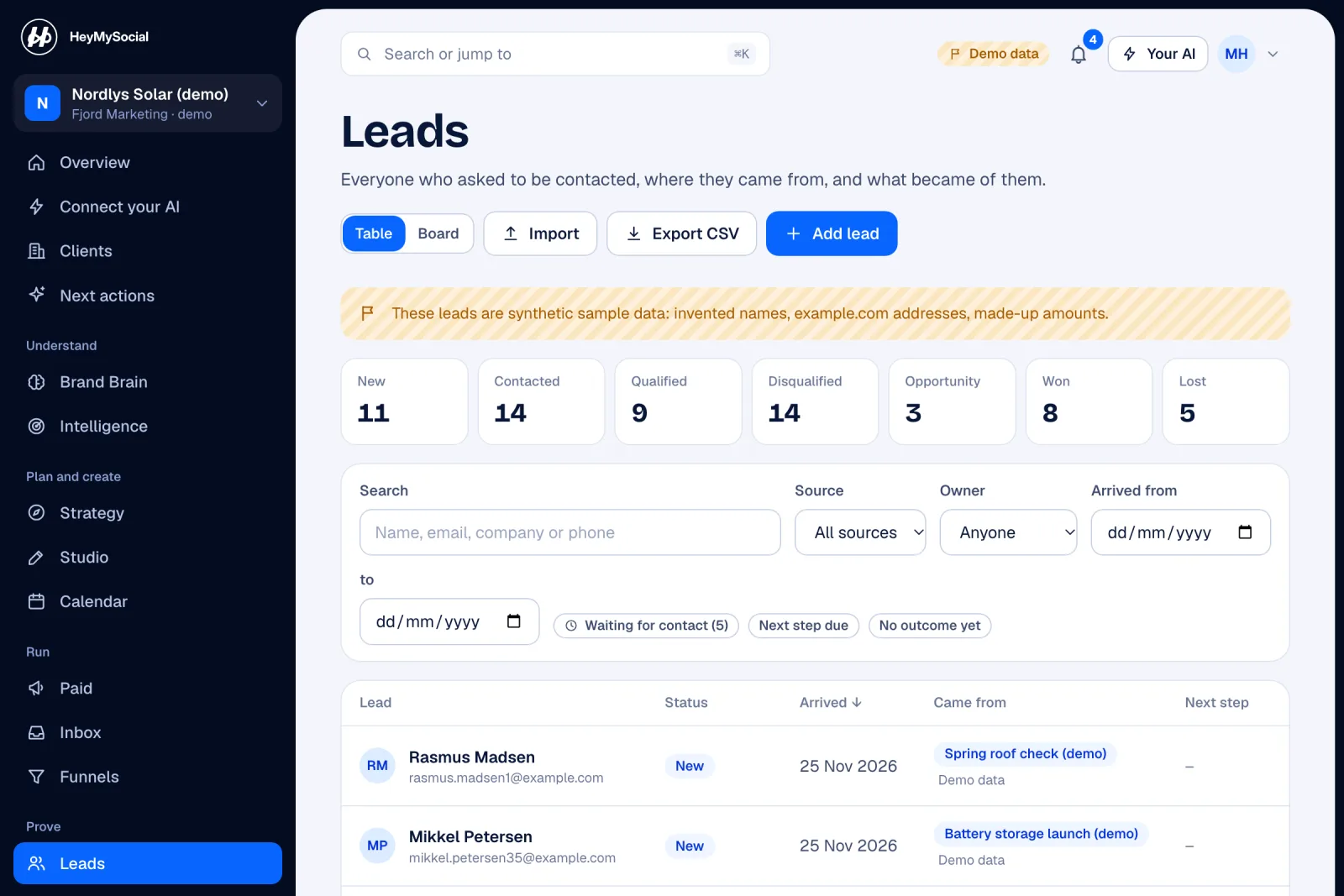
HeyMySocial does not ask you to give up files. Leads and sales can be imported from CSV with column mapping, and every row that could not be read is listed with its reason. Importing the same file again does not create the same records twice.
Ad results come in from an Ads Manager export, CRM records from a CSV export, and observations of competitors from a file of your own. Going the other way, the leads table and the analytics view both export to CSV.
- Exporting leads needs its own permission and is written to the audit log.
- Exported cells that could run as formulas are neutralized.
- Agency-private notes are never in the leads export.
What moves by file today
In and out, as the product stands today.
Where a spreadsheet is the better choice
HeyMySocial is narrow on purpose. A spreadsheet is not.
A question nobody planned for
A forecast, a budget model, a margin per product, a one-off cut of the data: a spreadsheet does all of it. HeyMySocial has fixed definitions and a fixed set of breakdowns.
Your own layout
If the report has to look a certain way for a board or a client, you lay it out yourself in a sheet. HeyMySocial's shared report is one view with one look.
Data that is not leads, sales or ad spend
Stock, staff hours, costs outside advertising: none of that has a place in HeyMySocial.
A handful of leads a month
When you know every lead by name, a sheet and a good memory are enough. The records start to pay off when there are more leads than one person can keep in their head.
Questions about leaving the spreadsheet
Can I bring in the leads and sales I already have in a sheet?
Can I still get my data out?
How do I send a report to a client?
Does HeyMySocial prove what caused a sale?
Do I have to stop using my spreadsheet?
Keep reading
Look at a month that is already matched
The demo workspace has leads, sales, a refund and imported ad spend, so you can read Analytics before you import a row of your own.